Animal therapists & veterinarians
Physiotherapists, Chiropractors, Osteopaths and Veterinarians

Animal naturopath
Comprehensive documentation for alternative therapies
Mobile Therapists
Perfect for on the go - mobile documentation
Self-employed Therapists
Simple Documentation & Billing

Veterinarian:innen
Digital veterinary practice – findings, emergency service & more

Clinics & Practices
Collaborative tools for teams and practices

Riding Centers & Dog Schools
Professional Documentation & Follow-up
Treatment & Documentation

Findings & Documentation
Professional findings and documentation – including metrics for therapy devices and trend analysis

Animal Models
Special models for horse, dog and cat

AI Functions
Smart AI support for anamnesis & documentation

Initial Contact Form
New customer intake made easy
Practice & Team

Team & Practice Organization
Efficient organization for teams and practices

Tour planning
Plan and optimize daily routes for home visits

Customer & Animal Management
Central management of all customers and animals

Follow-up & Analytics
Proactively bring animals back and understand your practice at a glance — from due preventive care to revenue and utilization.
Appointments & Billing

Online Appointment Booking
Easy online appointment booking for your customers

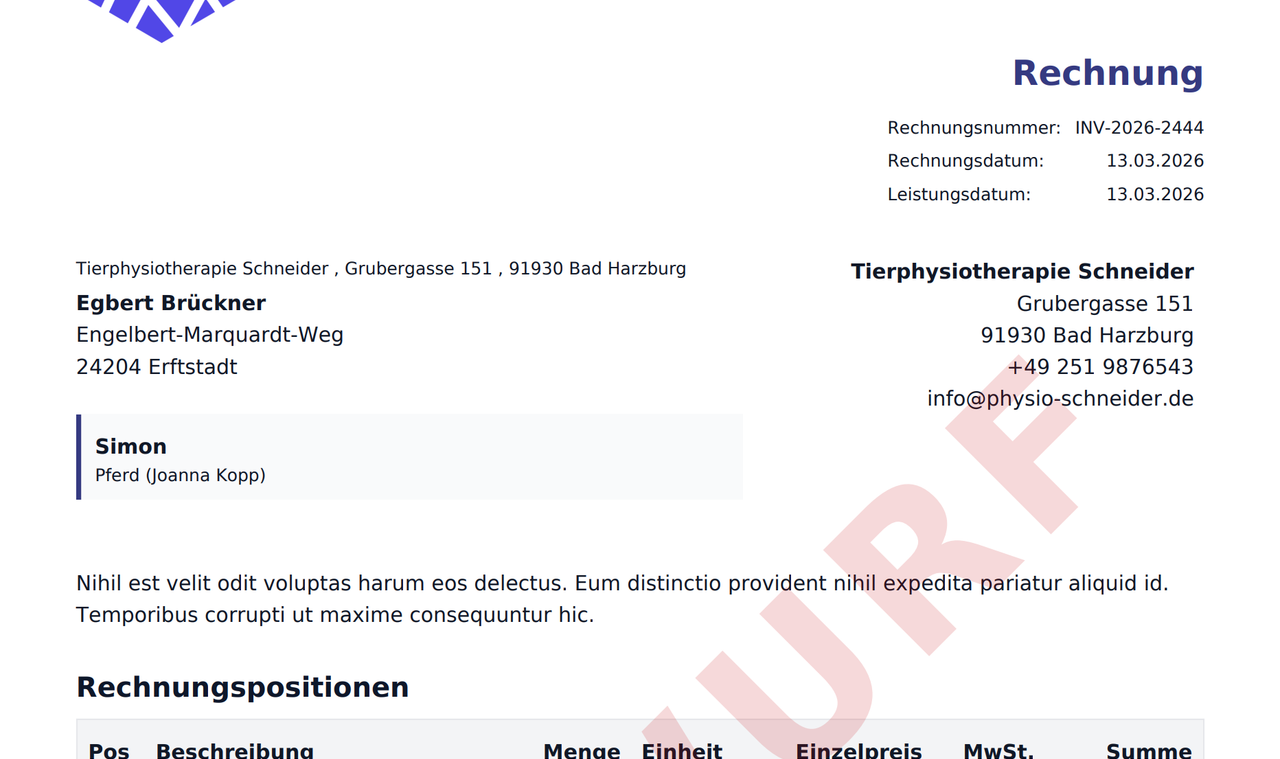
Invoices & Contracts
Automatic invoice generation and contract management

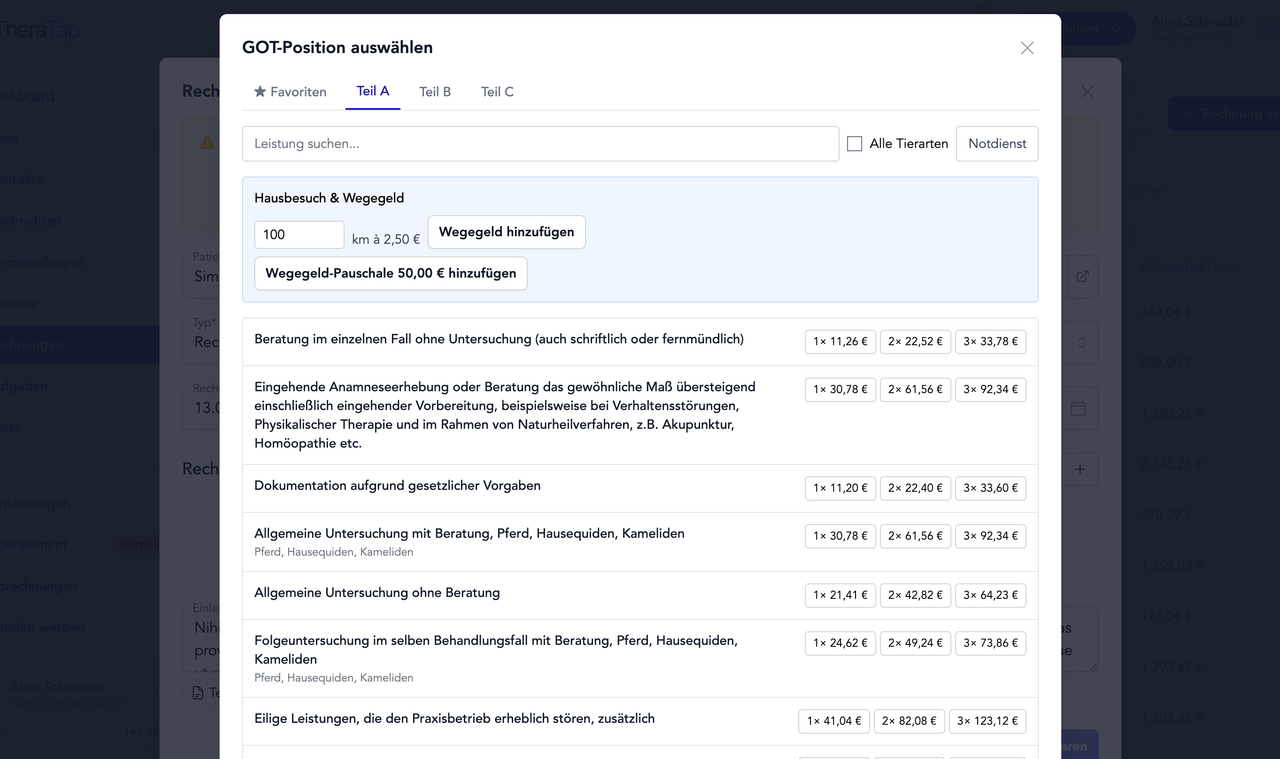
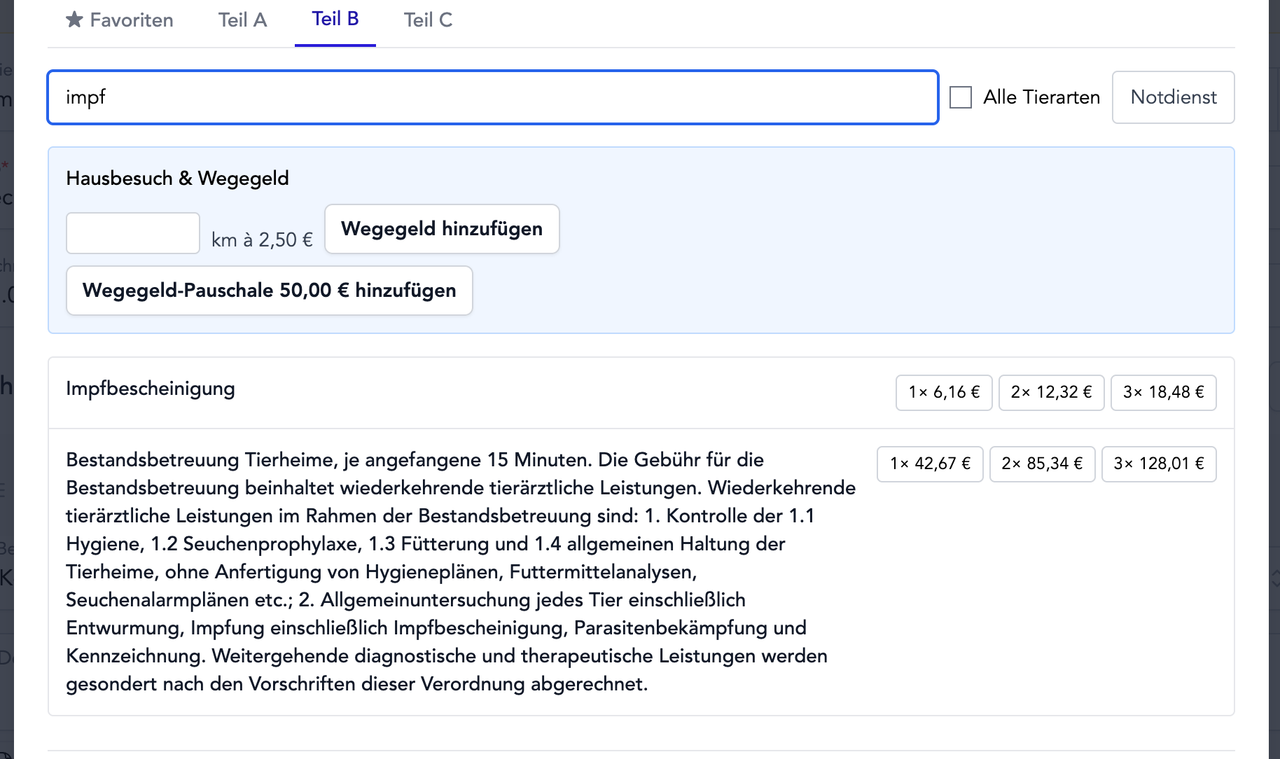
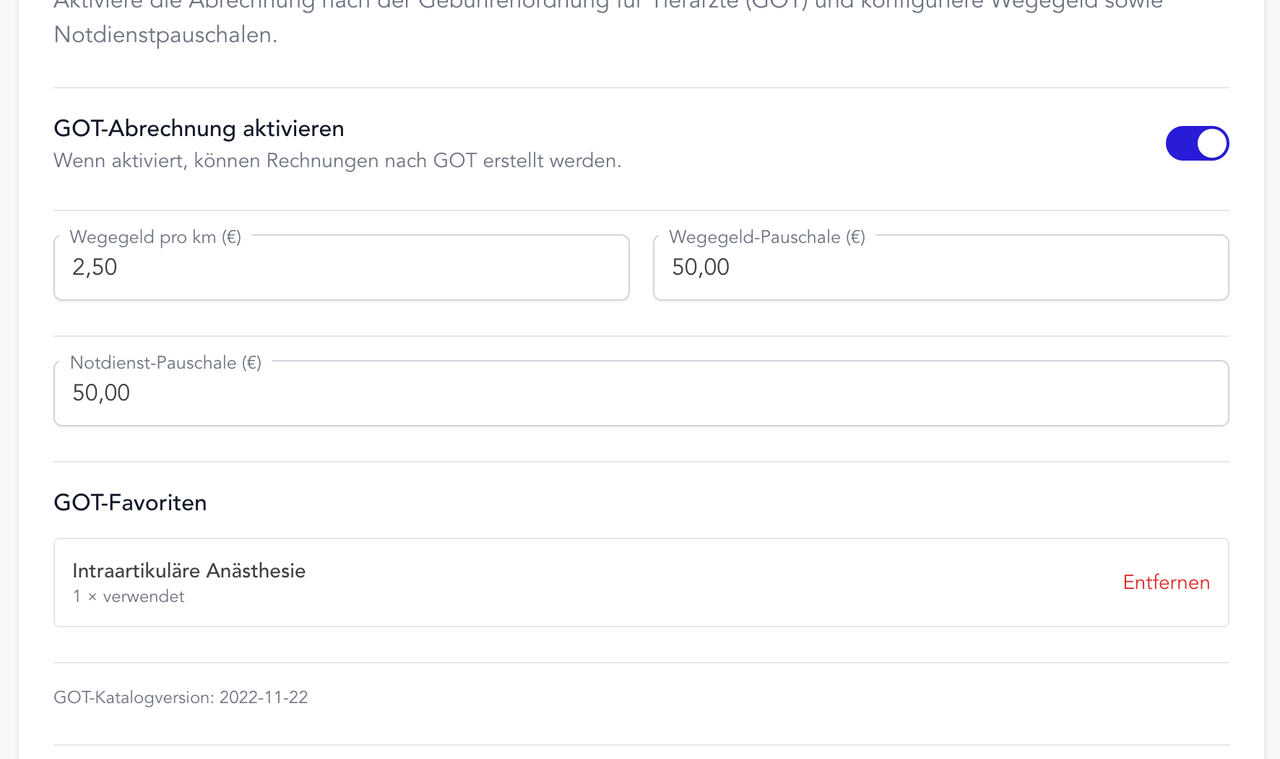
Fee schedule (GOT)
Integrated GOT catalog – for veterinarians and optionally for animal naturopaths

Stamp Cards
Digital loyalty stamp cards for customer retention
Already registered?Log in