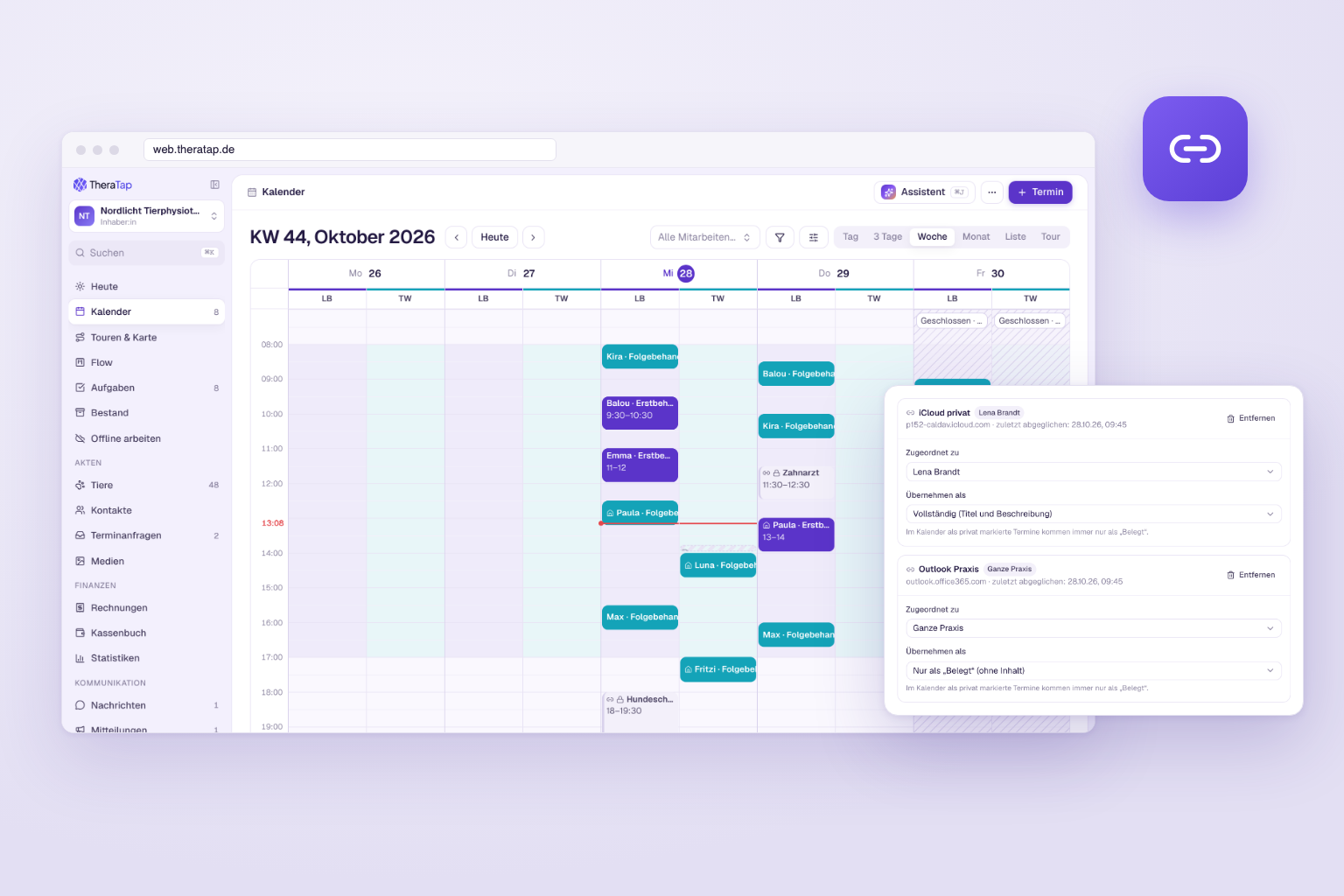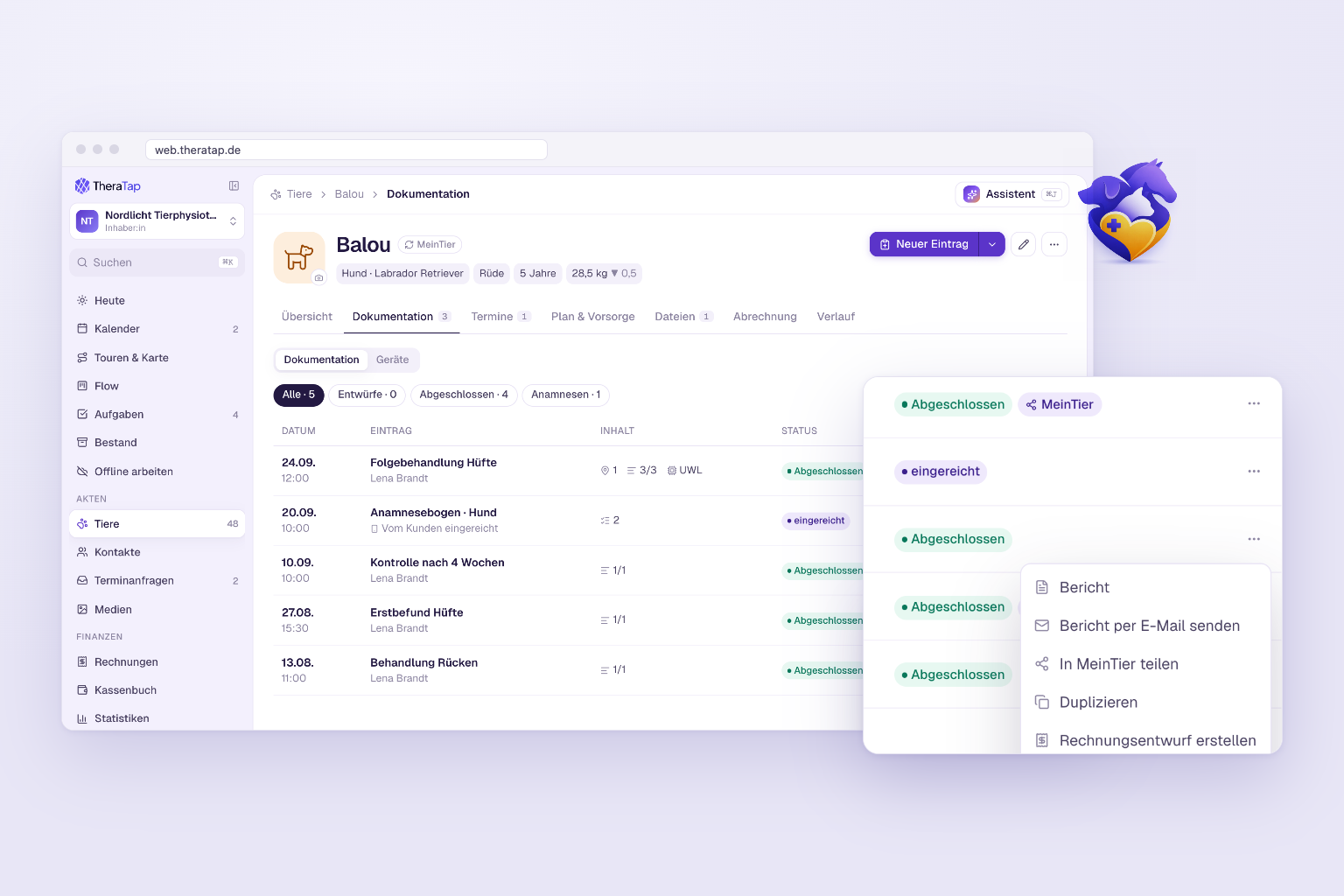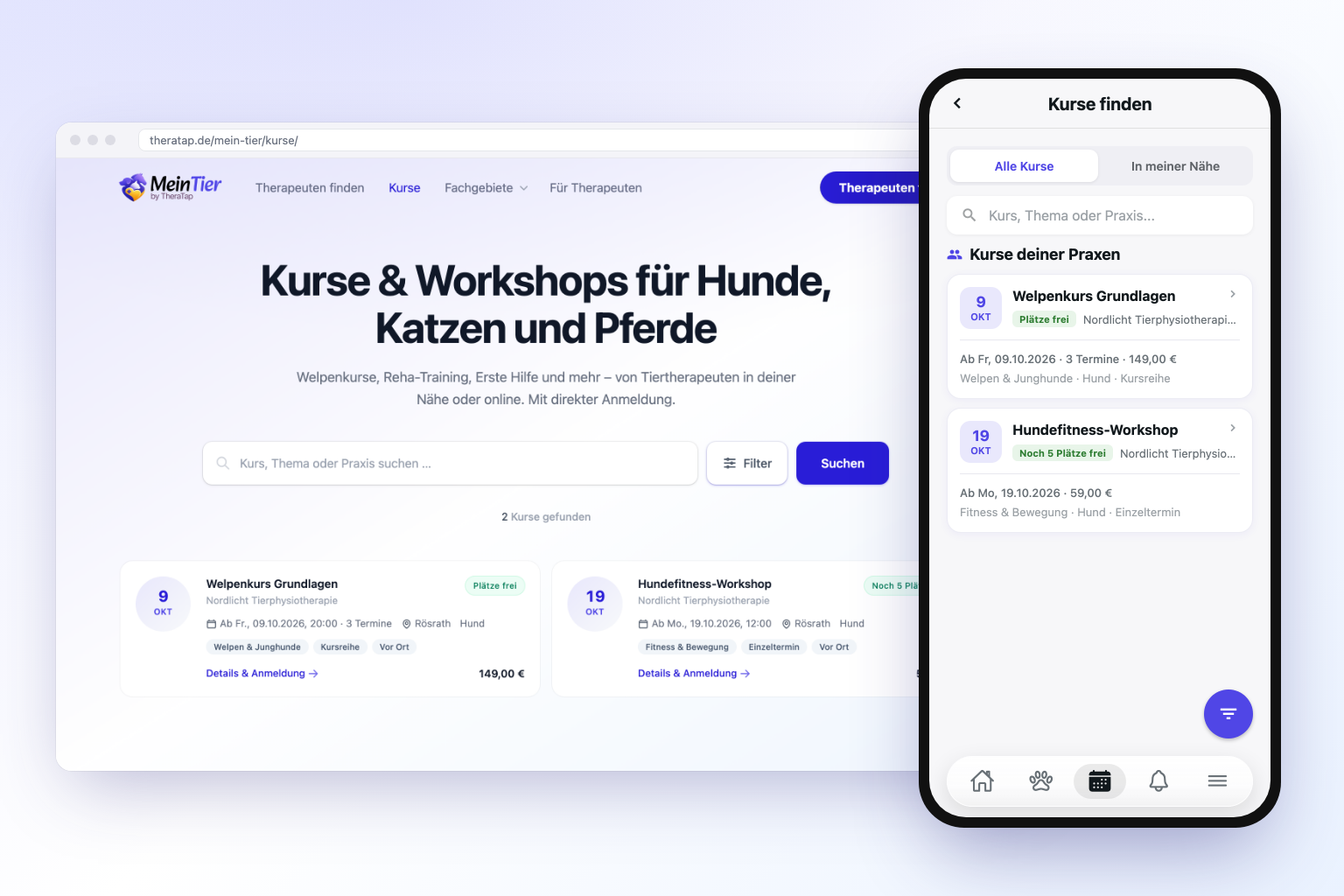
Bundles of services and products added to an invoice with one click – and appointment types that only exist in the practice calendar

Two requests that reached us several times are now in TheraTap: item bundles for invoicing and an option to schedule appointment types internally only.
At a Glance
- Item bundles — several services and products as one item that is automatically expanded into its lines on the invoice
- Appointment types without online booking — new “Bookable online” checkbox per appointment type
Item Bundles: Initial Treatment With One Click
Many services always consist of the same building blocks. An initial treatment, for example, is assessment plus treatment plus a bit of consumables. Until now you had to click these lines into the invoice one by one every time.
The item catalog now has a third type: the bundle. A bundle has no price of its own but a list of services and products with quantities — e.g. 1 × Initial assessment, 1 × Physiotherapy, 2 × Kinesio tape. While setting it up you immediately see the total of all lines.
When you insert the bundle into an invoice or in the appointment cockpit, it is automatically expanded into its individual lines — each with its own price, tax rate and unit. Your clients still see the individual services, but you save yourself the assembling. Afterwards every line can be adjusted as usual.
A few details so nothing goes wrong: bundles only contain services and products (no bundles inside bundles), inactive items are skipped when inserting, and in the item picker you can also find a bundle via the names of its components.
Read the guide: item catalog & bundles →
Appointment Types for Internal Scheduling Only
Not every appointment type belongs in online booking. Follow-up checks you schedule yourself, home visits arranged by phone or internal blocker appointments should be selectable in the practice calendar — but not bookable by pet owners. Until now this was only possible by deactivating the appointment type entirely.
Every appointment type now has a “Bookable online” checkbox that is enabled by default. Untick it and the appointment type disappears from the booking calendar and the customer app, but remains fully usable in the calendar and in scheduling. Such appointment types are marked “Not bookable online” in the overview.
Read the guide: treatment types →
Feedback Welcome
Both features came from your feedback — thank you! If you have further requests, feel free to write to us via the chat in the app.