The way you drive
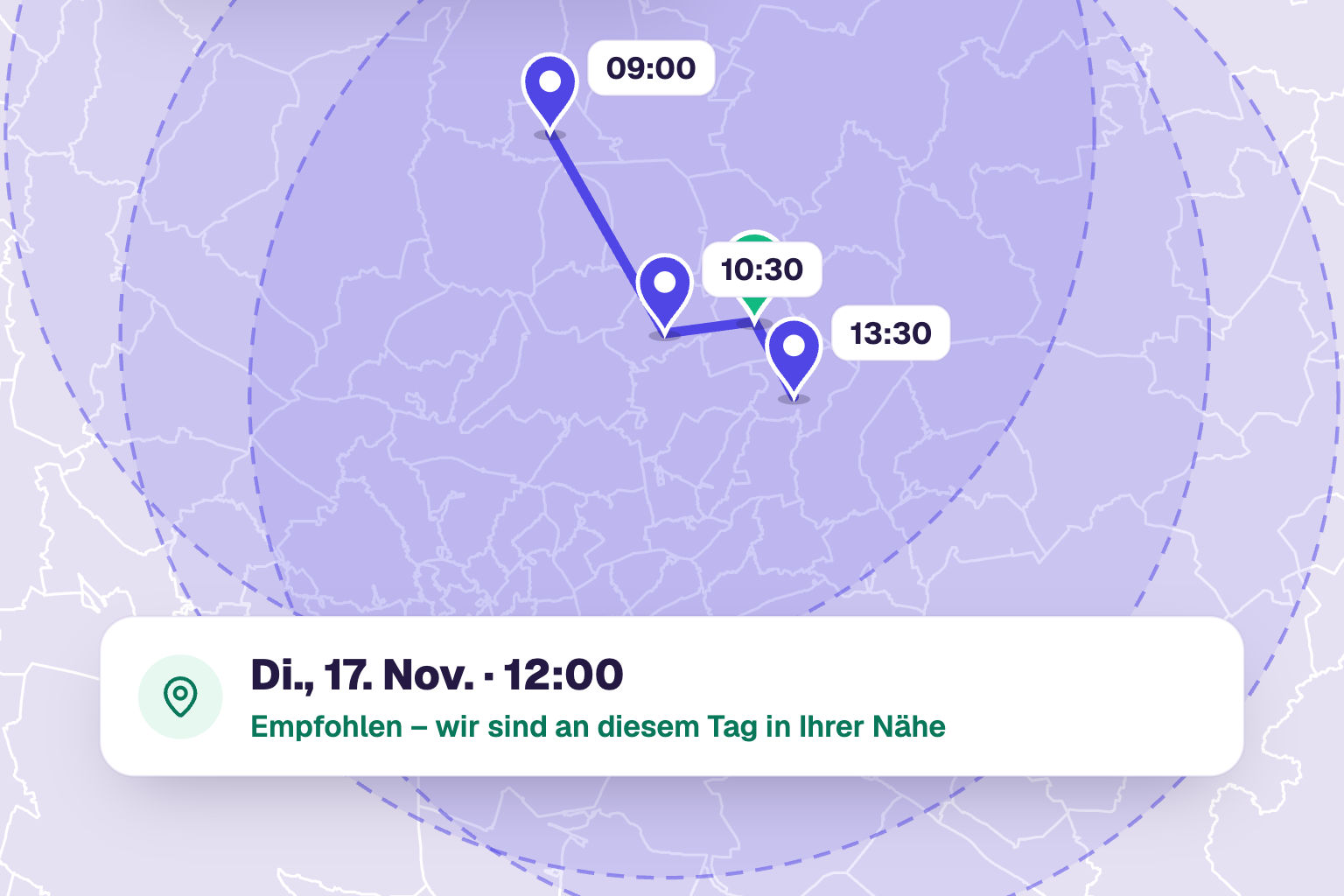
You drive to the animals. But owners book online whenever it suits them, and you end up zigzagging across the region. Now online booking plans your home visits the way you work.
Location first, then the appointment
For home visits, the booking widget first asks: Where is your animal? That can be the stable or the owner’s address. With this location, TheraTap only shows appointments that fit your route. The address is saved with the animal, and the calendar and route planning use it for travel times. Booking in the MeinTier app asks for the animal’s location too.
Fixed areas on fixed days
If you always cover the same areas, create service areas by postcode, for example “Route North” only on Mondays and Tuesdays. Owners in that area only see those days. If the address is outside all areas, the widget shows a note instead of free slots.
Entirely around your clients
If you prefer to plan day by day, use the route check:
- Plan travel time: only times when you get there from the previous appointment in time and on to the next one in time.
- Matching days only: additionally only days when you are already nearby, for example within 15 km. The widget marks these days as “near you”. Days without appointments can stay bookable, so new routes can form.
Both can be combined freely: fixed areas, route check, or fixed areas with bundling inside them. Practice appointments are not affected. The free-slot search in the calendar also uses the route check when the appointment is a home visit.
Setting it up
You find everything under Settings → Home visits. Your areas then appear as their own tabs in the working hours, where you enter days and times per area. Available from the Profi plan and during the trial.
All steps are in the guide to home visits in online booking.