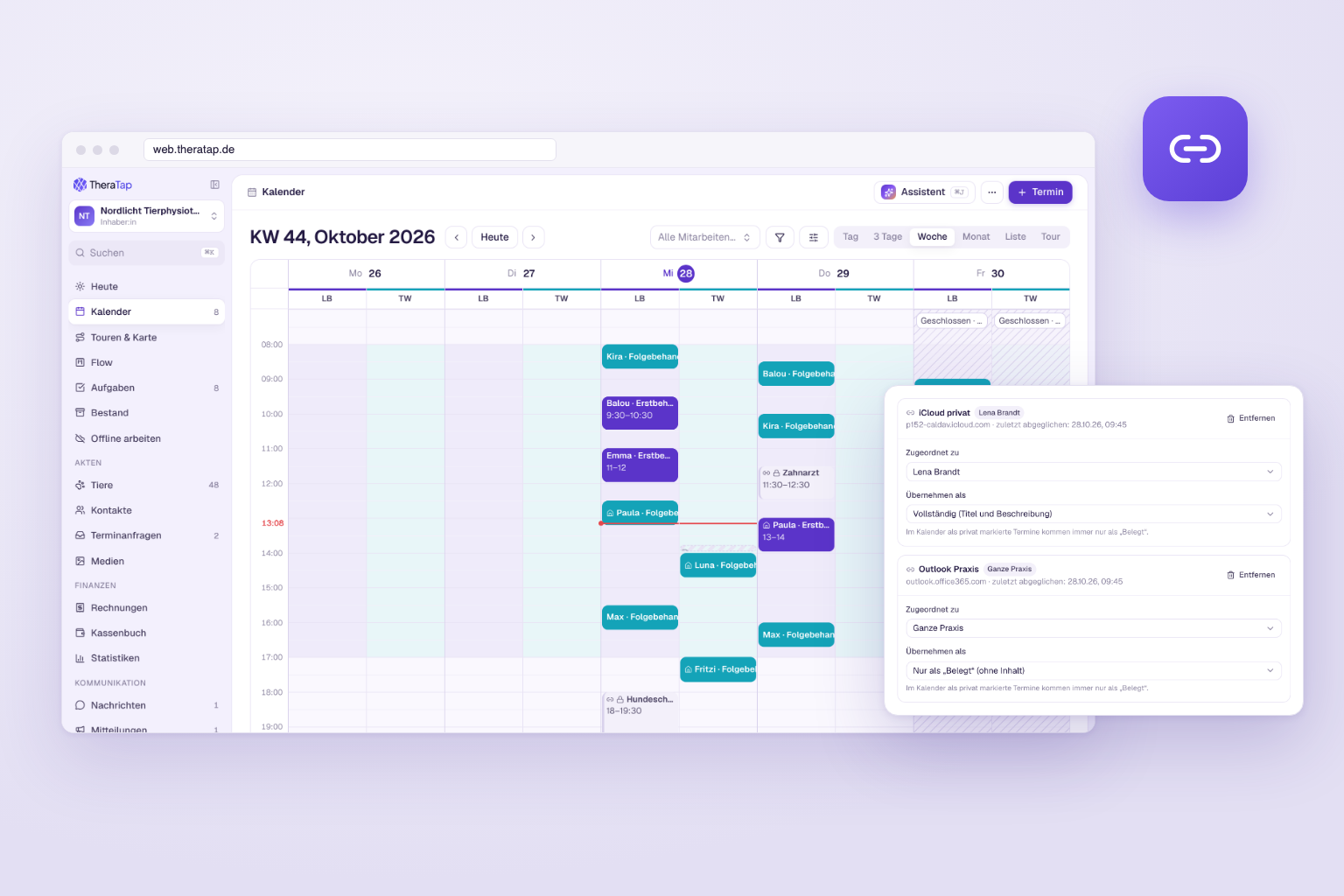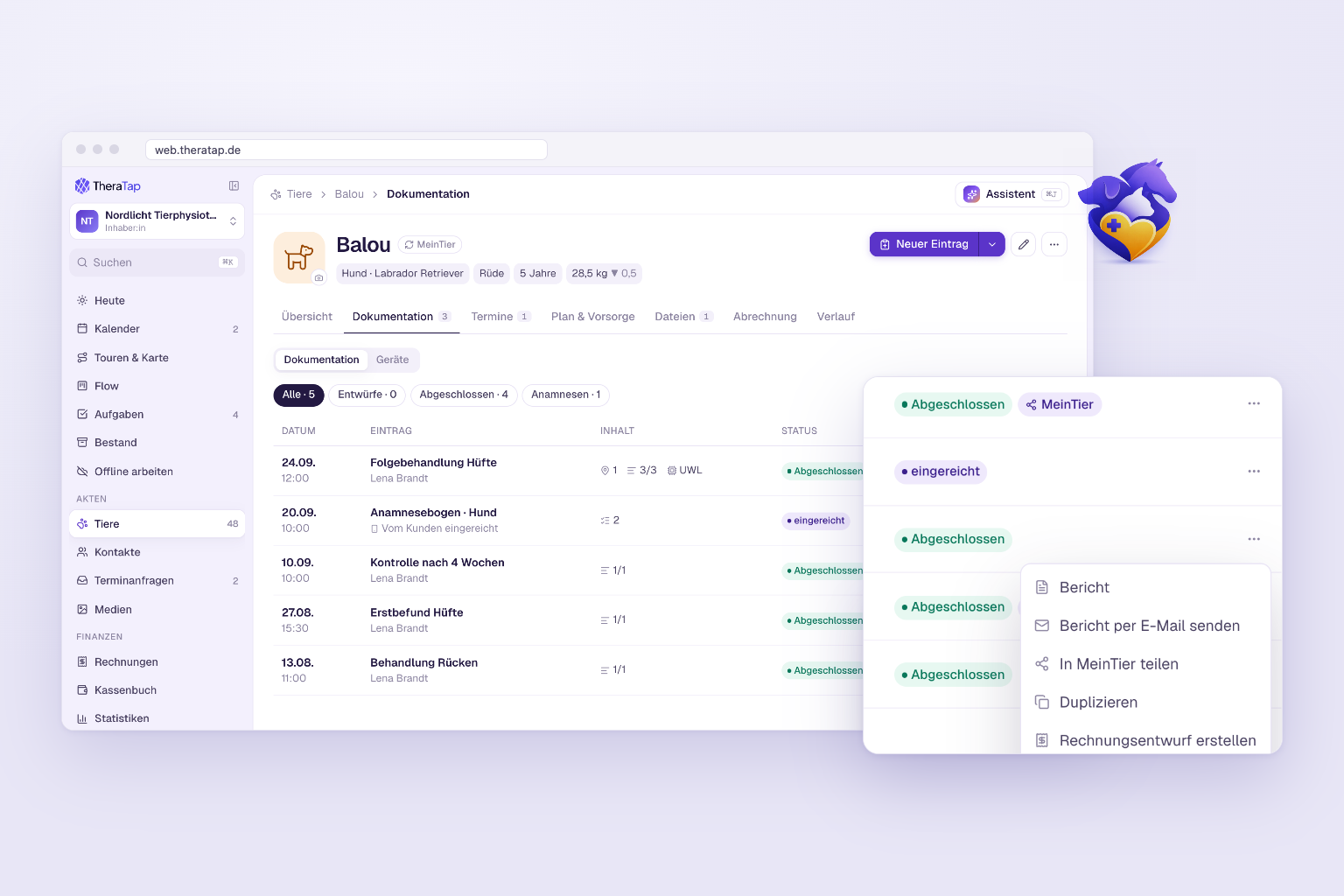
New clients confirm everything before the appointment – signed, as PDF in the record

For many practices, the treatment contract used to break the digital workflow: send a PDF by email, get it back on paper, scan it, upload it to TheraTap. From now on it works end to end – privacy and treatment contract follow the same principle and can be signed online in advance.
The highlights
- Two clear modes for privacy and treatment contract: link + checkbox or online with signature
- Send in advance by email – clients read and sign on desktop, tablet or phone
- PDF stored automatically in the record – no printing, scanning or uploading
- On-site signing stays available as soon as a text template is set
- Consistent naming – the former “consent form” is now simply privacy
Two modes, one principle
Under Settings → Communication & templates → Privacy & treatment contract you choose per document how clients confirm:
| Mode | What happens |
|---|---|
| Link + checkbox | You store a URL. Clients confirm with a checkbox – on online booking and on the final step of the intake form. |
| Online with signature | You store the text. Clients read it, sign digitally – the PDF lands in the record. |
Privacy no longer has an “Off” option: a link or a text should always be in place. If both are empty, nothing is shown to clients. The treatment contract stays optional and can be disabled completely.
Send to new clients in advance
This is exactly what several therapists asked us for: new clients should complete and sign the treatment contract before the first appointment.
Here’s how:
- Set the treatment contract to online with signature and add your contract text.
- Send the link from the patient record by email – or have it sent automatically after every online booking.
- Clients read, sign and submit. The PDF is then stored in the record.
Afterwards you send the intake form for the animal as usual.
Signing on site
If you store a text, you can always collect an on-site signature in the practice or stable – right on the tablet, from the patient or contact record. This works in both modes, so it also covers clients who forgot to sign online.
In the intake form
The form adapts to your setting automatically:
- Link + checkbox → required checkbox on the final step, next to the terms
- Online with signature → a dedicated step to read and sign
- Nothing configured → no extra step
Handy for multi-animal owners: privacy applies per contact. Anyone who has already signed doesn’t have to sign again when filling out an intake form for another animal. The treatment contract, in contrast, is stored per animal.
All the details in the documentation →
Questions or feedback? Get in touch — we’d love to hear from you!