A module for courses, workshops and webinars — and findings on a 3D model
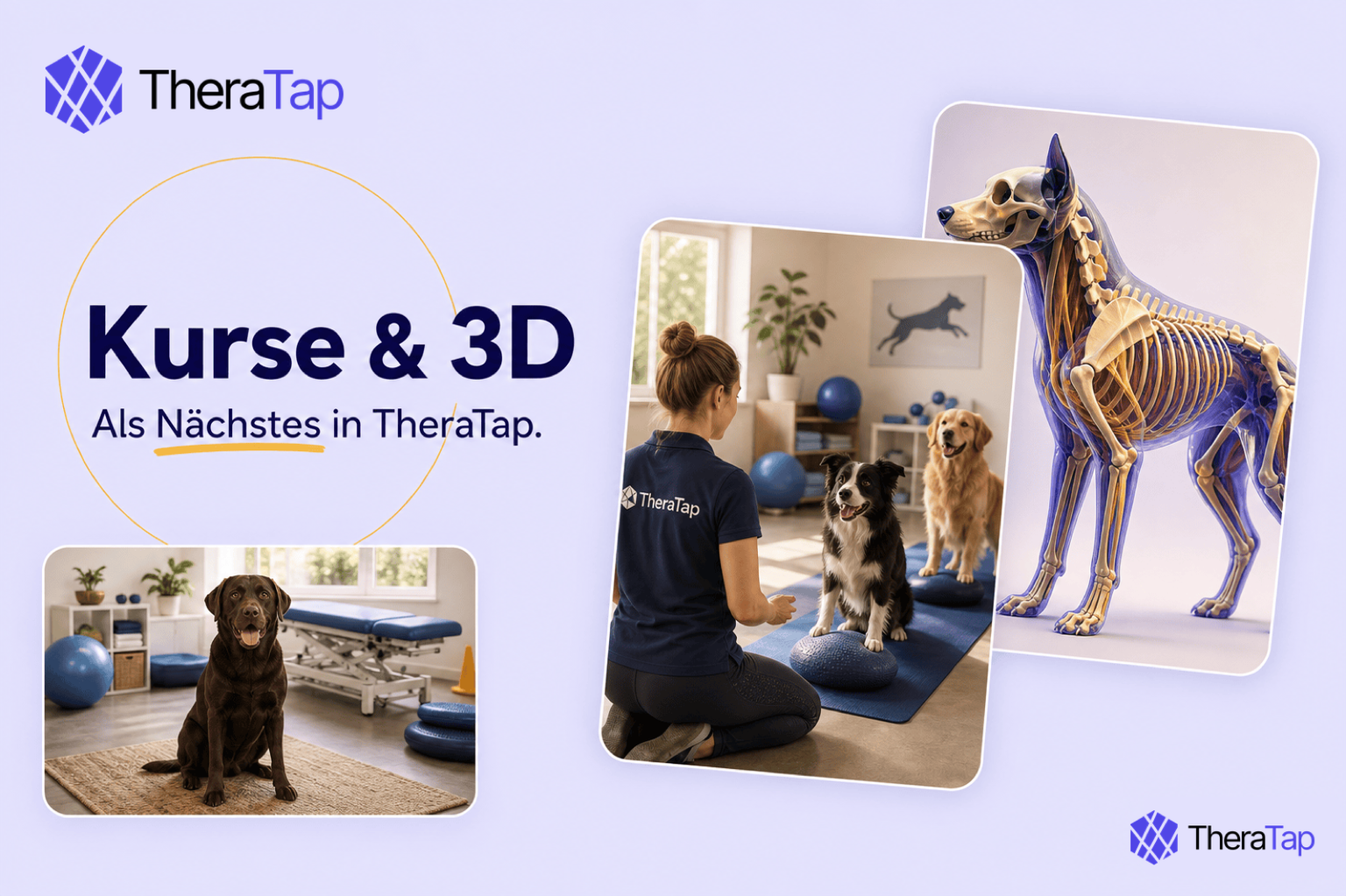
We’re building two things right now: a course module — puppy classes, workshops and webinars directly in TheraTap — and real 3D models for documentation. Neither is live yet. Here’s what they’ll do.
The course module: one piece of software less
Puppy class, dog fitness, lunge work, a talk on hoof health, a feeding webinar — almost every practice handles the sign-ups differently. Calendly for the dates, a spreadsheet for the places, a WhatsApp group for everything in between. Or a second course tool running alongside TheraTap.
You know how that ends: the registration sits in one tool, the animal in another, the invoice in a third. And who has already paid is something only the spreadsheet knows.
Yet contacts, animals, appointments and invoices have been in TheraTap all along. Courses belong next to them, not in a program of their own.
So we’re building courses, workshops and webinars straight in. Three flows, one module:
- Series — for example six Tuesday sessions, one registration for the whole package
- Single event — a talk or workshop, one date, one participant list
- Drop-in — dog fitness every Thursday, booked per session
Plus: create dates, participant list, capacity, waitlist. Later, public registration — as a widget on your website and as a link you can share on Instagram or WhatsApp.
What comes later on purpose: online payment and booking in MeinTier. First the course workflow has to work in day-to-day practice.
If you already offer something like this: tell us what you need — we can still work it in.
Real 3D models in documentation
The body maps you have today are precise — and flat. You mark the view that’s closest and zoom in as far as the image allows.
In the prototype the animal sits free in space: drag to rotate, scroll to zoom. Anchor points jump you to top, front, left, right, back and bottom — or back to the three-quarter view.
Three tools go with it:
- Select — click a structure and it takes on colour. Several at once; a second click undoes it.
- Marker — a numbered point on the surface that you can label
- Draw — freehand across the model, with line width and colour
The difference to a flat image is in the marker: it sits on the structure, not on the picture. Rotate the animal away and the marker disappears behind whatever is now in front of it — the way it works on a real patient.
Right now this runs on the dog skeleton; horse and cat follow. Where a flat image sits today, the model will sit instead — with the familiar 2D views alongside for a quick look.