Lots of improvements from your feedback on the new web app – from documentation and the calendar to invoices
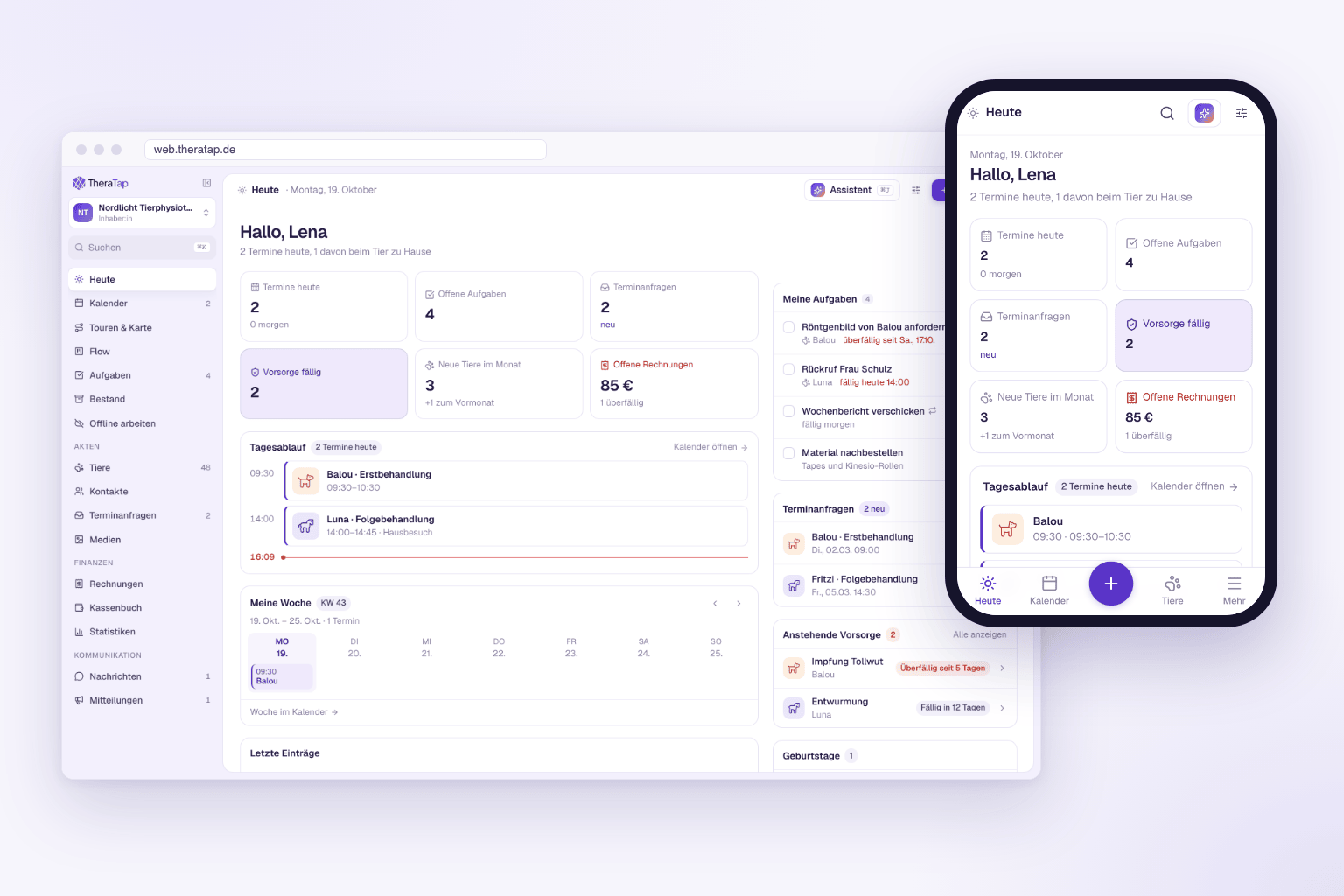
The new TheraTap web app is running as a beta at web.theratap.de. Many of you have tried it in everyday practice and told us what is missing or not working smoothly. We have already built a large part of it. From now on, new features only go into the new app – so everything below is available at web.theratap.de.
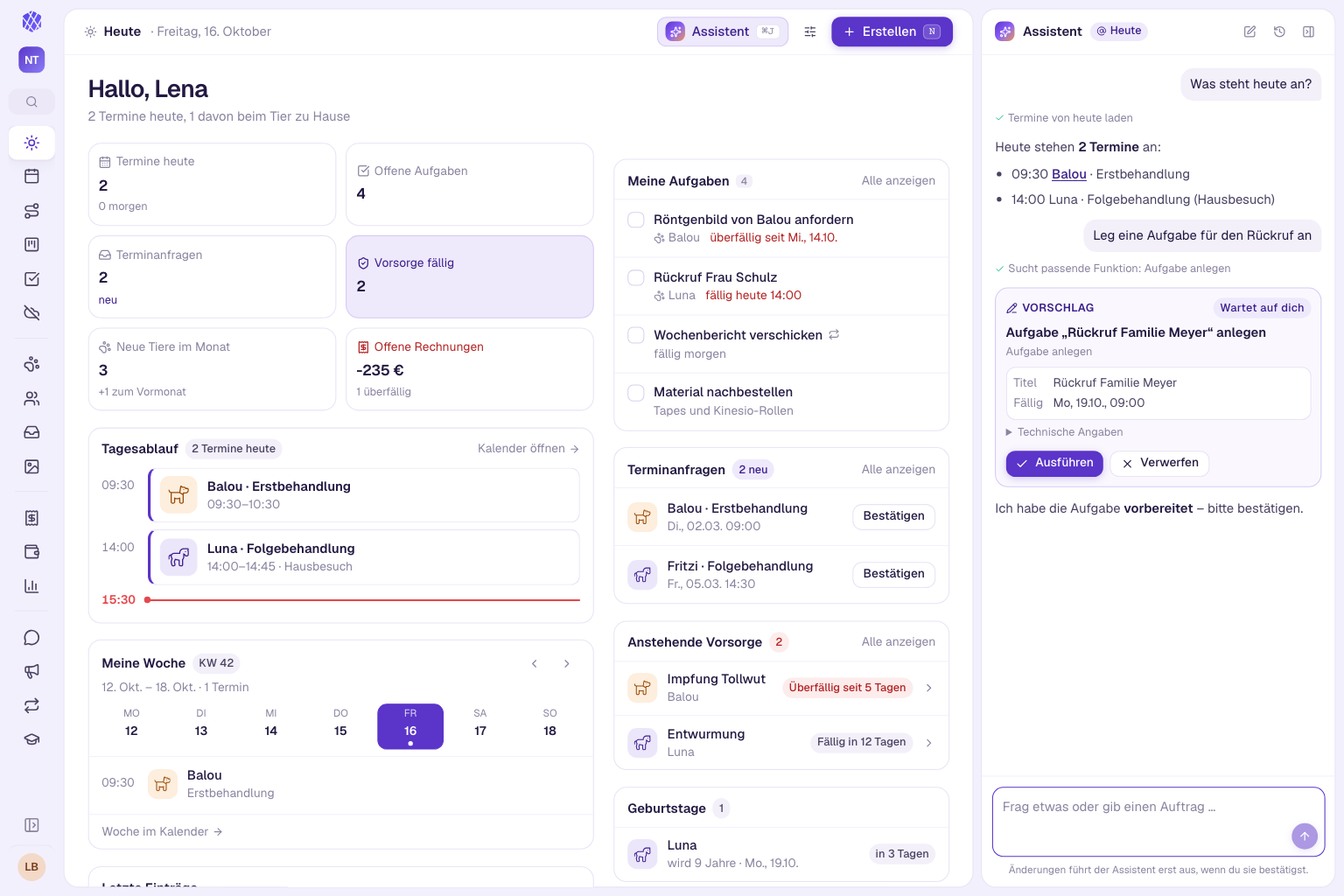
We have already written separate posts about the AI assistant, medications and courses: AI assistant, medications priced per AMPreisV and courses & workshops.
At a glance
- No more lost text – a badge on every entry shows where your input currently stands
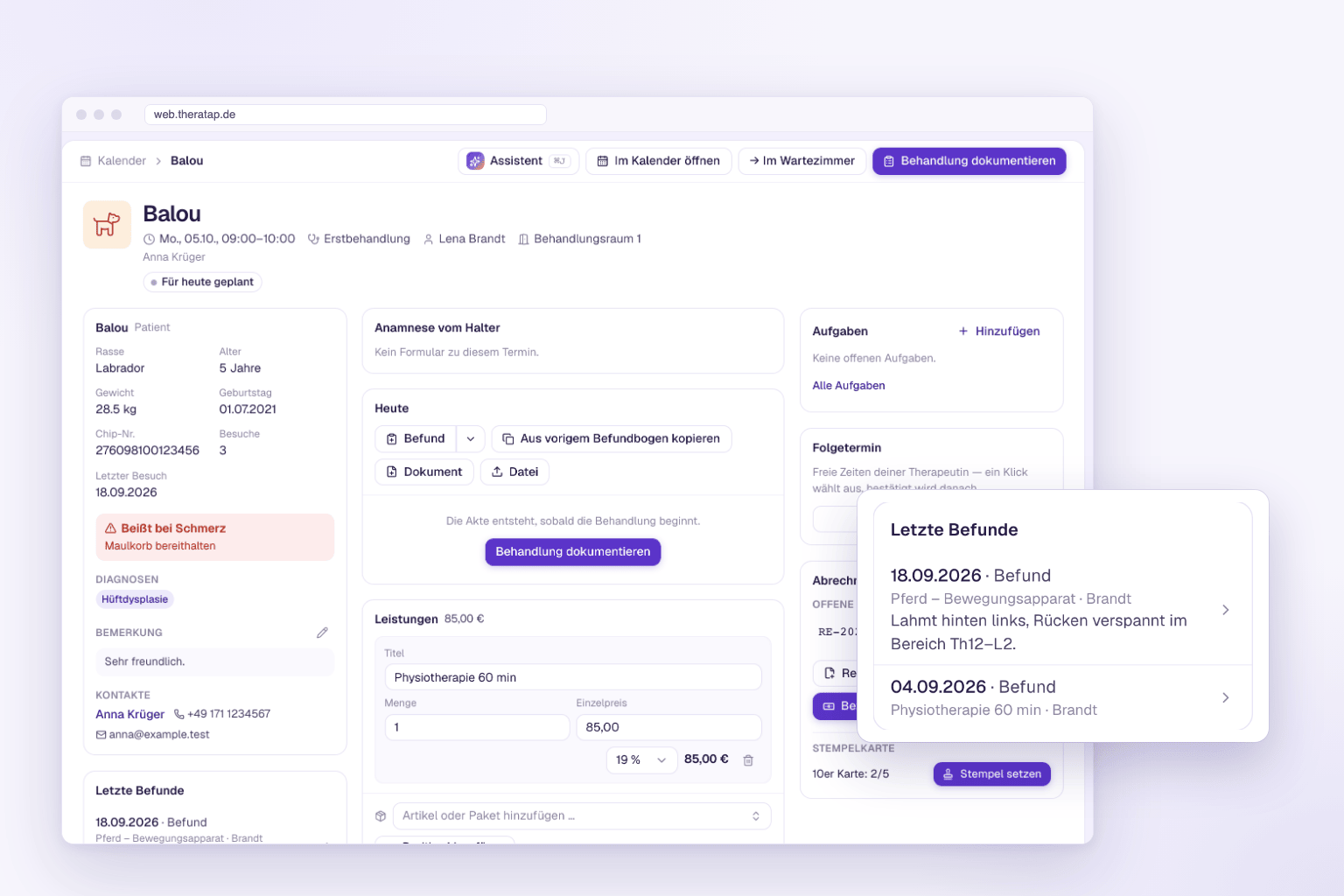
- Recent findings in the appointment cockpit – the animal’s five latest findings right inside the appointment
- Owner report with marked findings only – no more grey-outlined areas that were only clicked
- Appointment defaults – the appointment type sets the room or device, the responsible person comes from the patient record
- Absences in the calendar – enter holidays by dragging across several days
- Import wizard – bring in contacts and animals from Excel or CSV
- Invoices – default intro and closing text, intermediate GOT rates, sender line and QR code can be switched off
Documentation: nothing gets lost anymore
A question we heard several times: “Has my text been saved?” Especially on the road, with a shaky connection, that was not always clear.
Now a small badge at the top of every entry shows where your input stands: Saved 10:42 · Draft, Unsaved changes while you type, Saved on this device when there is no connection, or Saving failed with a button to try again.
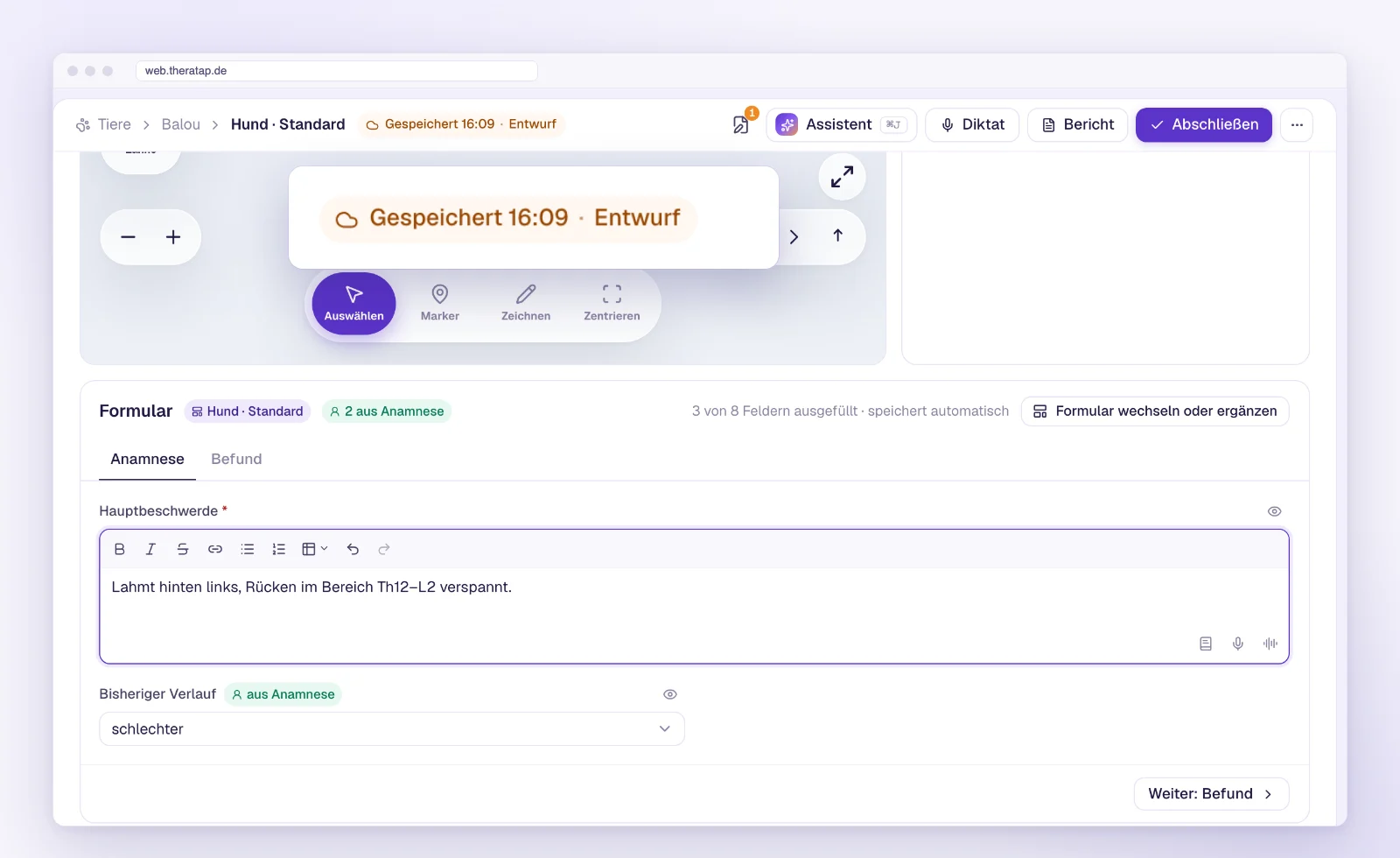
When you leave an entry, TheraTap saves open changes first. If that does not work because you are offline or the server does not respond, the app asks you: Stay here or Keep locally and leave. When you open the entry again later, TheraTap offers to restore the local version. If someone else has worked on the same field in the meantime, you see both versions and decide yourself.
Recent findings right in the appointment
Quickly checking what happened last time before a treatment used to mean switching to the patient record. The appointment cockpit now has a Recent findings card: the animal’s five latest findings with date, form, appointment type and a short excerpt. Findings created in the record without an appointment are included too. One click opens the finding.
Read the guide: appointment cockpit →
Owner report: only what you marked
In the client report – as a PDF, online and in the preview – the body map and the list of findings now show marked findings only: structures with intensity, rotation, an option or a comment, pins and drawings. Areas you only clicked and saved without any details are left out. The report becomes calmer and easier for owners to read.
Read the guide: client report →
Smaller improvements in documentation
- AI dictation: You see every suggestion before it is applied and can correct words right there. If you name the section (“For the gait analysis …”), the text lands exactly there. More →
- Signing on a tablet: Your hand can rest on the screen – the pad only draws with the first finger or the stylus and ignores the ball of your hand. More →
- Devices: For laser therapy you can now also record the energy in joules, and the power in watts or percent – whatever your device shows. There are also two new device types: I-moove vet and Tendiboots (gait analysis). More →
Calendar and appointments
Defaults that think ahead
When you create an appointment, TheraTap now fills in more for you. Once an animal is selected, the list only shows the treatment types for its species. If the treatment type requires a certain room or device type, TheraTap picks a matching room or device at the location. And if you create the appointment from the patient record, the responsible person from the record is already preselected.
Absences right in the calendar
You now enter holidays, sick days or training right where you need them: in the month view, drag across several days with your mouse; in the day and week view, drag out a time range and choose Absence at the top. Absences then appear in the grid, in the month view and in the list.
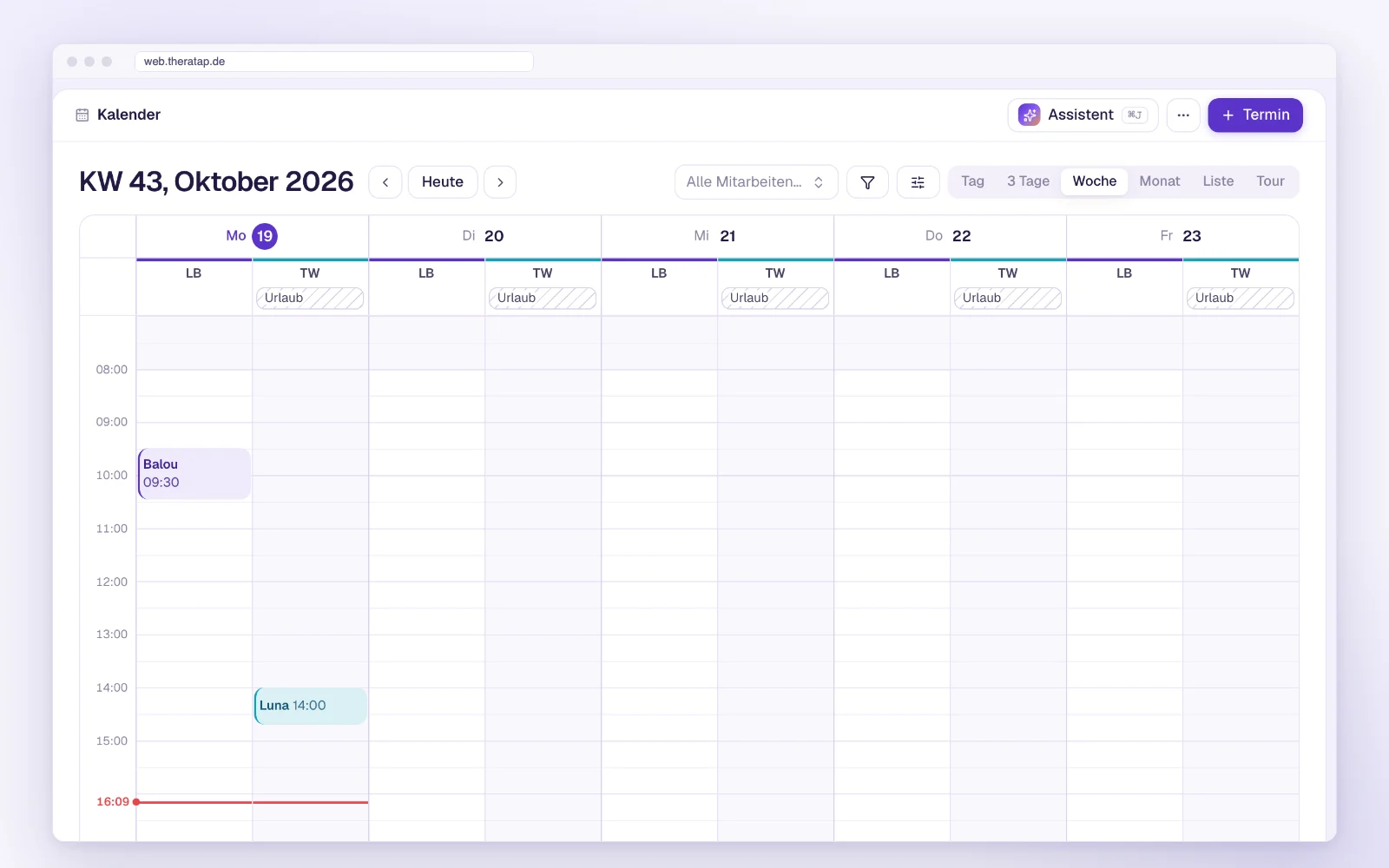
You no longer have to delete past absences and closing times. The settings only show upcoming ones; with Show past you can bring the old ones back when needed.
Read the guide: absences & closing times →
Also in the calendar
- Online-booked appointments now have a stronger colour in the calendar and stand out immediately.
- The compact view now also shows therapists without a shift if they have appointments that day. So an appointment assigned to the wrong person by mistake no longer slips through.
- Prices for appointment types are optional. If the price varies a lot, leave the field empty – online booking then shows no price.
- Google Calendar: A practice can now connect several Google accounts, for example a practice account plus the personal calendars of individual therapists, each with its own rules. More →
- Appointment proposals are valid for 24 hours unless you set your own deadline, which can now include a time. Owners can decline directly via “Cancel appointment” in the email. More →
- When you archive an animal, its future appointments and series are cancelled. Deceased and archived animals no longer receive reminders.
Online booking
- “No preference”: If several therapists work in your practice, owners can skip choosing one. The calendar then shows the free slots of all matching therapists, and TheraTap automatically assigns someone when the booking is made. More →
- More animal details: Sex, weight and size (height at the withers for horses) from the booking go straight into the patient record.
- Address in booking requests: You see where the animal is kept and open navigation in Google Maps with Route. More →
- Several appointments at once: For treatment series such as 5 × shockwave, customers pick several appointments in one booking with Choose another appointment, no setup needed. Booking is all or nothing. More →
Invoices
- Intro text and closing note are set once under Settings → Accounting. Every new invoice is prefilled with them, including drafts from appointments and courses. For exceptions such as “Amount received in cash, thank you”, create text snippets. More →
- Intermediate GOT rates: In the GOT picker, enter a factor such as 1.2 under Custom rate. Each service then gets an extra 1.2× button. More →
- Sender line and QR code can be switched off: If you only send invoices by email, hide the small sender line above the address. Switch off the SEPA QR code if your clients’ banking apps cannot read it. Both in Document design.
- Items and stamp card templates can be duplicated and sorted by drag and drop. More →
Practice and team
Import wizard for contacts and animals
Switching from another program, or have you kept your clients in a spreadsheet so far? Under Contacts or Animals, the ⋯ menu now has Import (CSV, Excel). Drop in a file or paste the rows straight from Excel, Numbers or Google Sheets – TheraTap recognises the columns by their headings.
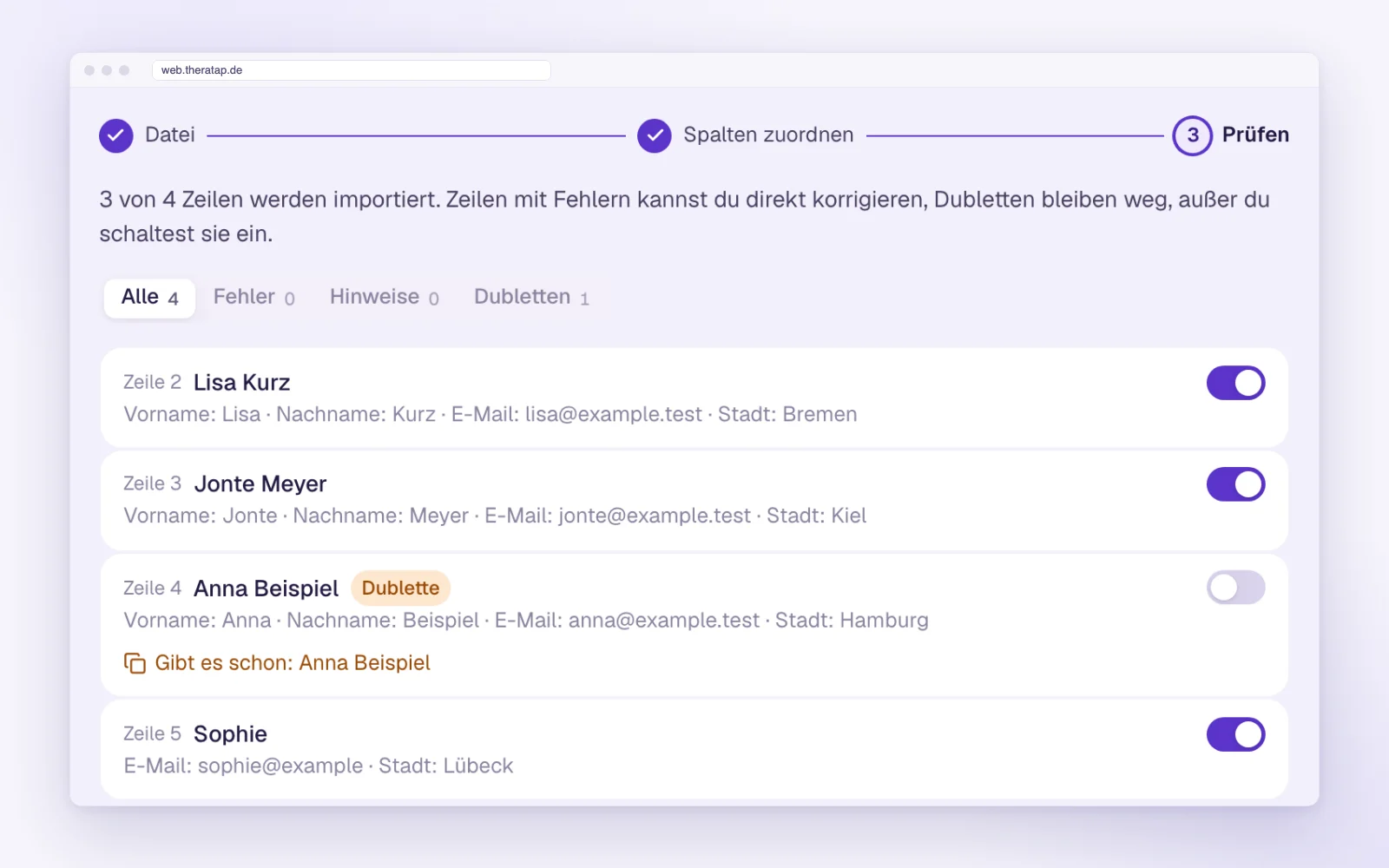
Before anything is saved, you see every row with its result. If something is missing, you fill it in right in the row. Contacts and animals that already exist are left out by default. Anything that cannot be imported, such as an invalid email address, ends up in the notes. If the import fails, nothing is saved – you can simply run it again.
Read the guide: importing data →
Team management
- Deactivate instead of remove: When someone leaves the practice, they can no longer sign in and no longer take up a seat in your plan. Their findings and records stay assigned to them, so you can still see who documented what.
- Change email address: Owners can change a team member’s email address. The person confirms it via a link and then signs in with the new address.
- Revoke invitation: A pending team invitation can now be withdrawn.
And also
- Animals without an address: The address is no longer required when creating an animal.
- Subscription expired: If your practice’s subscription has expired, the app now says so clearly. Owners and admins go straight to the subscription page with Renew subscription; team members see a note to ask the practice owner. More in the FAQ →
Thank you for your feedback
Almost everything in this update came from your feedback. If something is missing in the new app or does not work the way you expect, write to us via Help & feedback in the user menu. We read every message.