Ask your practice – and let it prepare tasks, appointments and notes
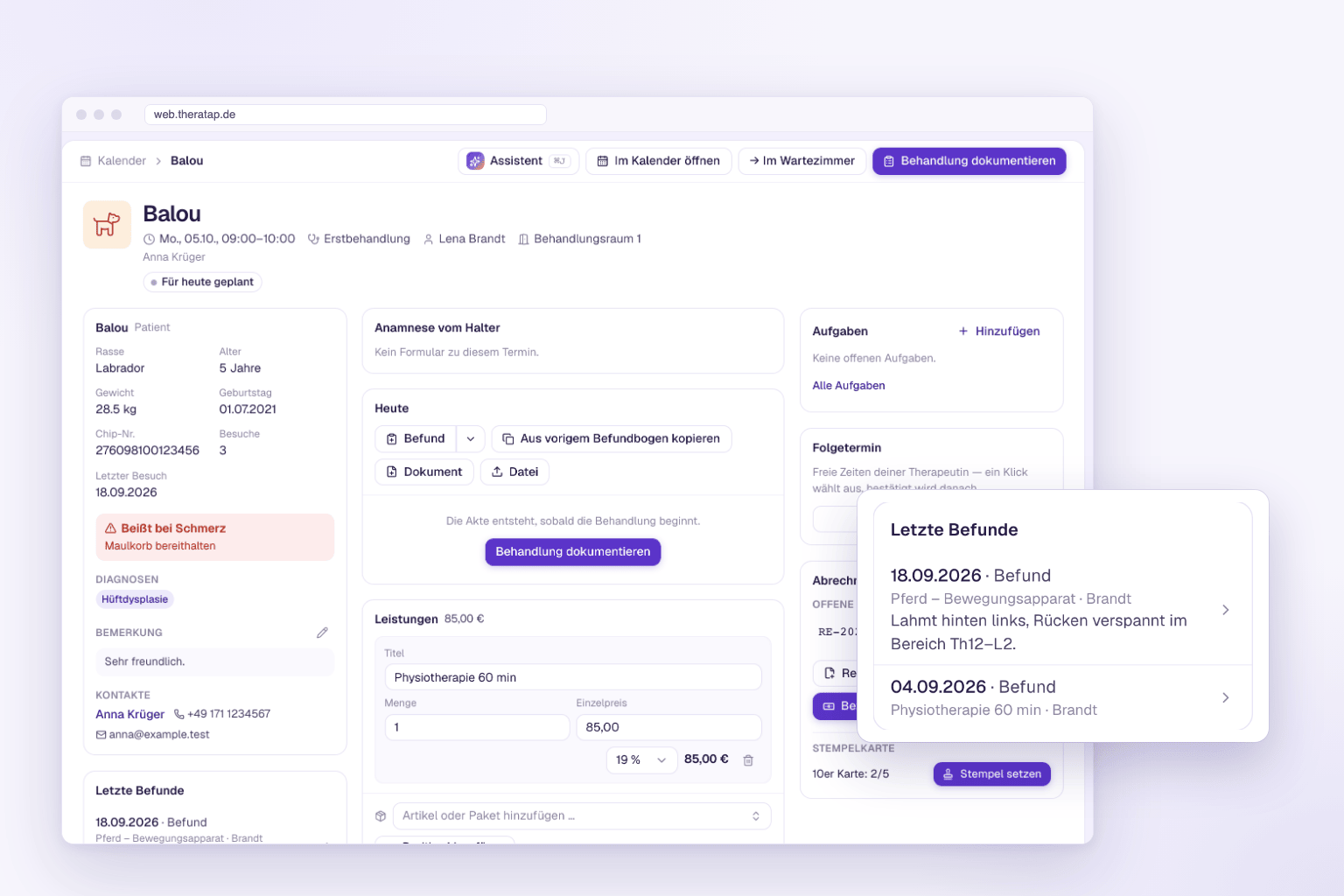
When is Balu’s next appointment? Which invoices are still open? What did the last findings say? You answer questions like these dozens of times a day – usually with several clicks through the calendar, the animal record and the invoice list. In the new TheraTap app, you can now simply ask the AI assistant.
A panel that knows your practice
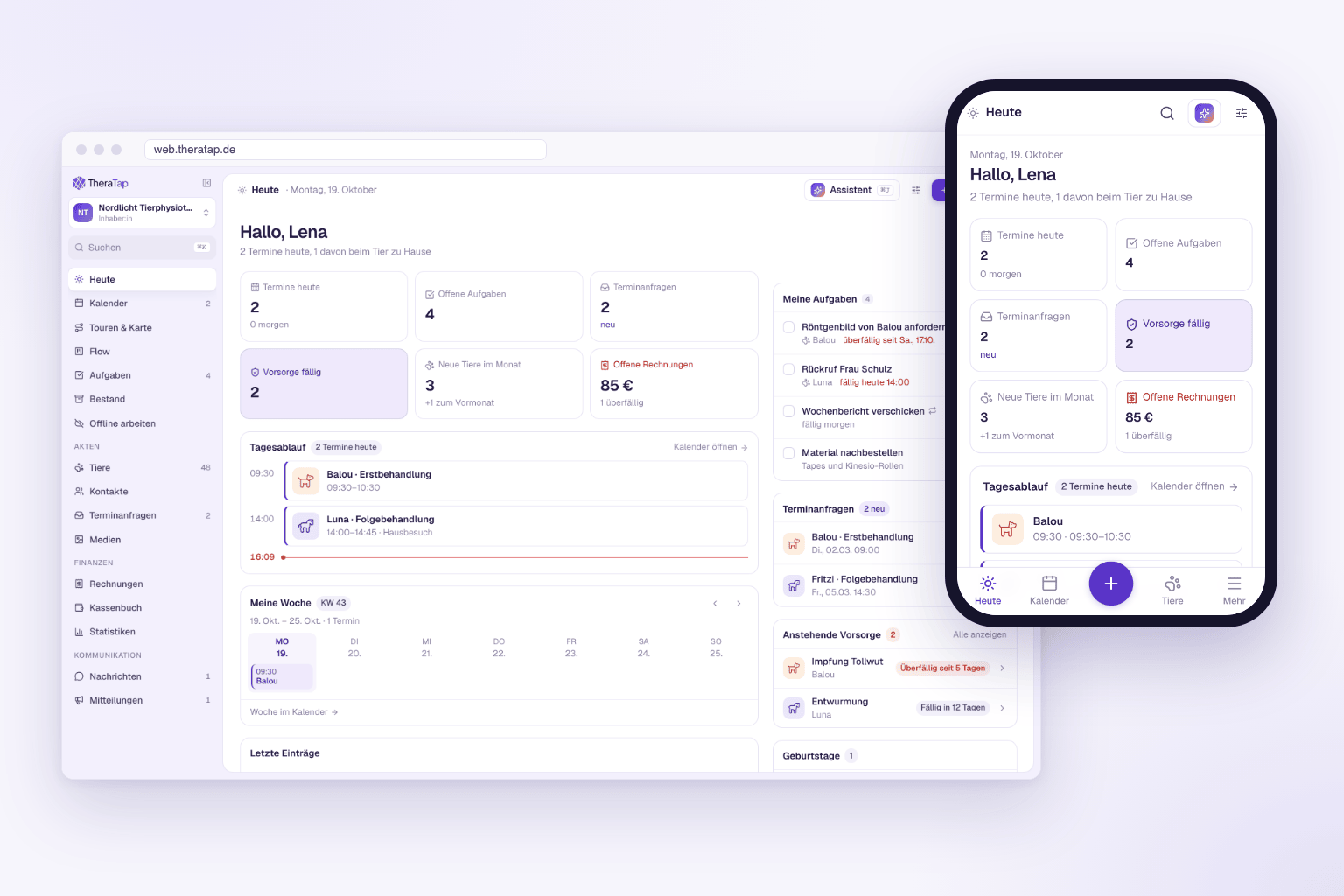
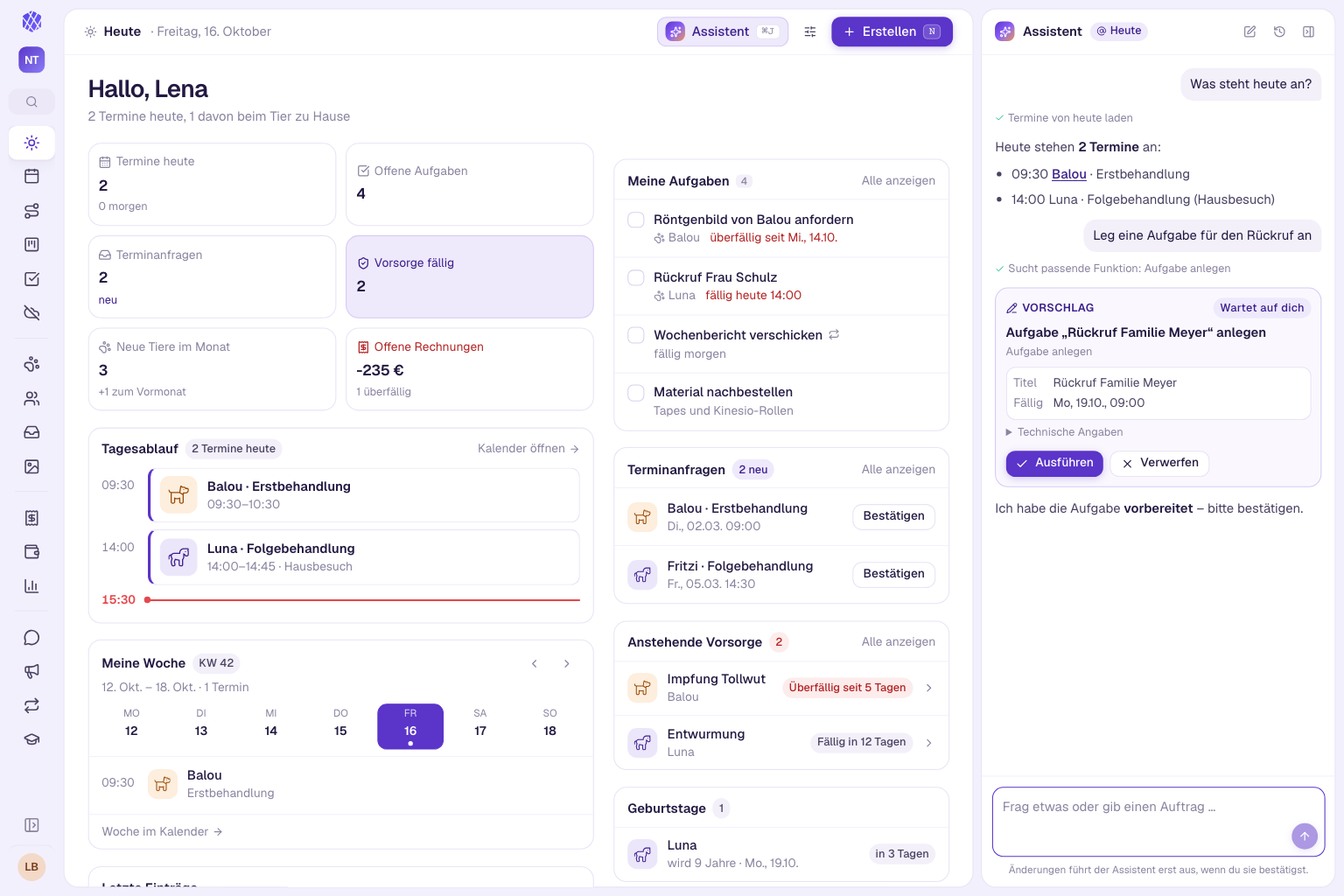
At the top right you’ll find the Assistant button – or press ⌘ J or Ctrl + J. A panel opens on the right-hand side, on a phone a sheet from the bottom. There you ask your question in plain language.
The assistant answers with your practice’s real data:
- Appointments – “What’s on today?”
- Animals and owners – “What is open for this contact?”
- Entries and findings – “Summarise this animal’s latest findings.”
- Invoices – “Which invoices are overdue?”
- Tasks, check-ups, appointment requests and messages
- Statistics and revenue, absences, articles
Answers contain links that take you straight to the animal record, contact, appointment or invoice.
It knows where you are
If Balu’s animal record is open, “this animal” is enough. The assistant knows the page you’re on – no need to type names, and your questions can stay short.
Tasks – but only with your OK
The assistant doesn’t just answer questions. You can also ask it to create or change something: a task for tomorrow, an appointment, a note, a new weight, a contact or an invoice draft.
One clear rule applies: it never runs anything on its own. Every task appears as a suggestion card with all the details. Only when you tap Run is the entry created. If something isn’t right, tap Discard. Bigger tasks come as several suggestions in a row, and at the end the assistant tells you what’s done.
Clear limits
- It cannot delete anything.
- Login, subscription and payment, team management and security are locked for it.
- It acts with your permissions and only sees what you are allowed to see.
- It summarises what has been documented – it does not make diagnoses.
Find conversations again
Use the history to open earlier conversations and pick up where you left off, or delete them. New conversation gives you a fresh start.
The AI assistant is part of TheraTap’s AI features and included during the trial period. Find all the details in the “AI assistant” guide.