Rebuilt from scratch – cleaner, faster and just as good on your phone as on your computer
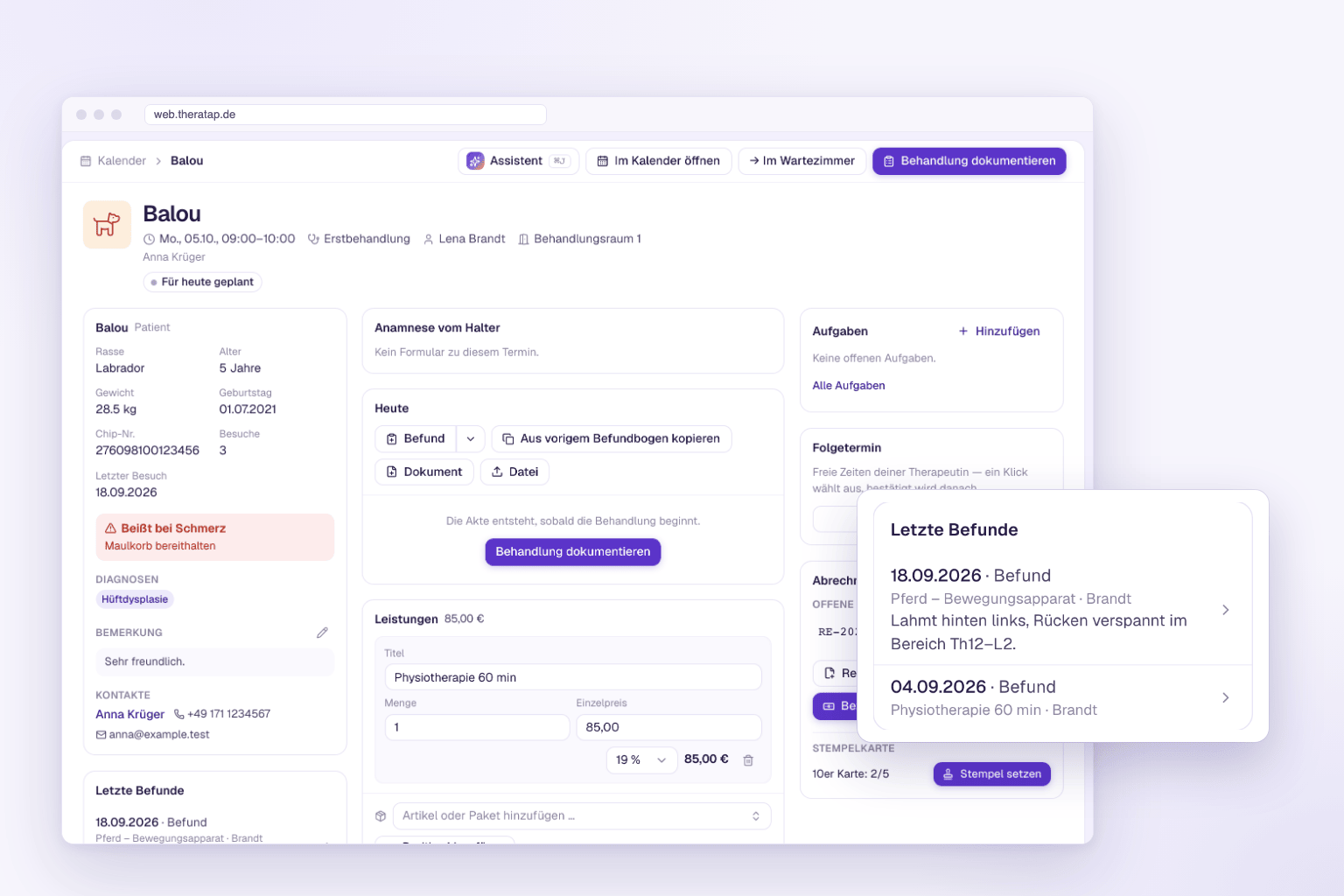
We have rebuilt TheraTap from the ground up. The new web app is available now as a beta at web.theratap.de – and you can use it side by side with the version you already know. There is nothing to migrate, nothing to export and no need to sign up again.
At a glance
- Same account, same data – whatever you enter in the new app shows up in the current version, and vice versa
- Sign in with your usual credentials
- Switch back at any time – the current version at go.theratap.de keeps running until the end of 2026
- New features only go into the new app – the current version will only receive bug fixes from now on
Why a new app?
TheraTap has grown a lot over the years: calendar, patient records, findings with 3D models, invoices, cash book, online booking, courses. Much of it was added step by step – and you could tell from the interface. Some paths were longer than necessary, some views felt cramped on a phone.
Instead of adding more on top, we rebuilt the app. All the features stay, the handling gets leaner: one main action per page, further actions in the ⋯ menu, and the same building blocks everywhere. The new app is also noticeably faster – it only loads what the current page needs and, after a change, refreshes only the data that is affected.
“Today”: your day on one page
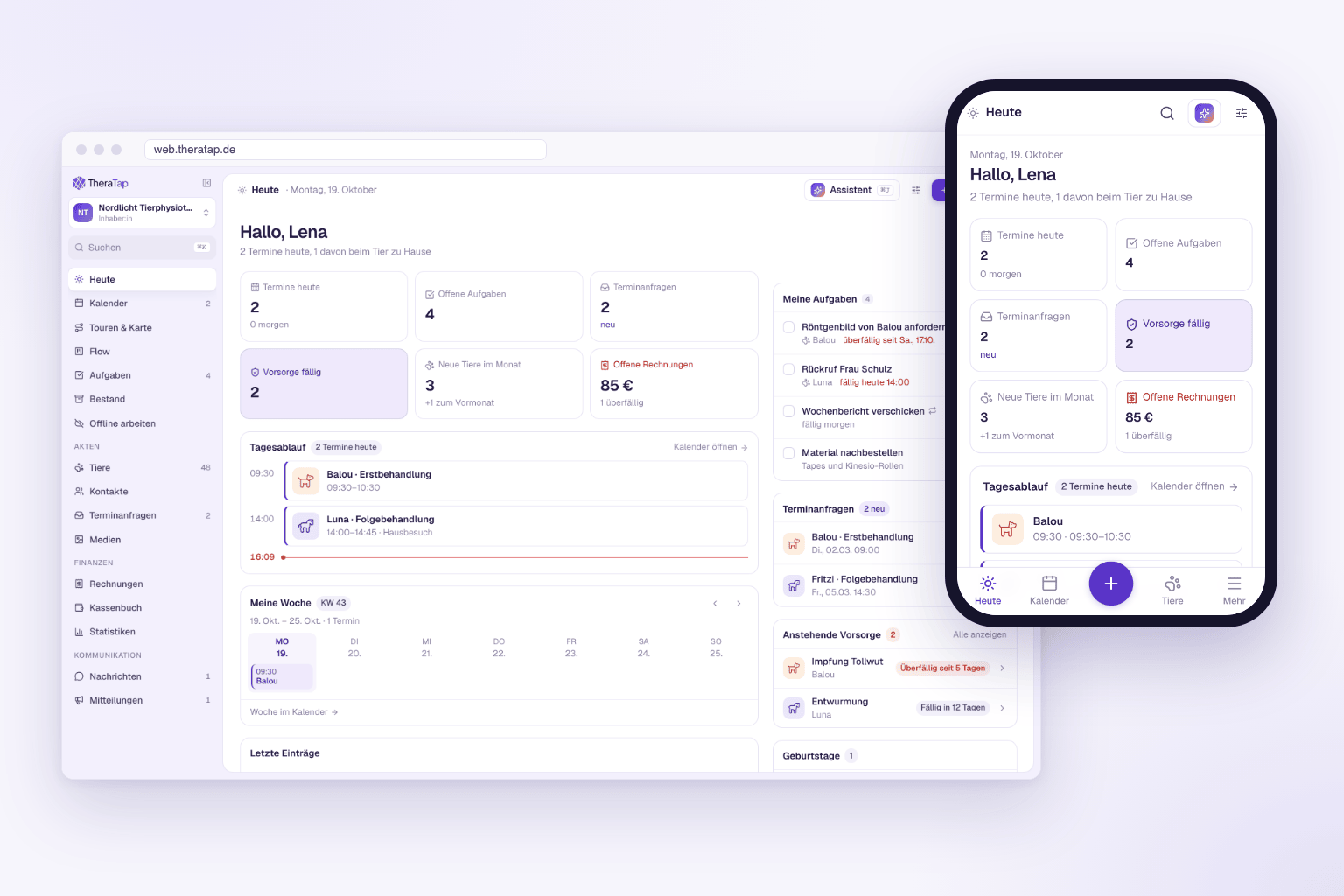
After signing in you land on Today. It shows your appointments for the day as a timeline, open tasks, new booking requests, due preventive care, open invoices and your patients’ birthdays. With Customize home page you decide which cards you want to see.
From anywhere in the app you can also reach:
- Search with ⌘K or Ctrl+K – animals, contacts, appointments and invoices in one field
- Create with N – new appointment, new animal, new invoice, without opening the right page first
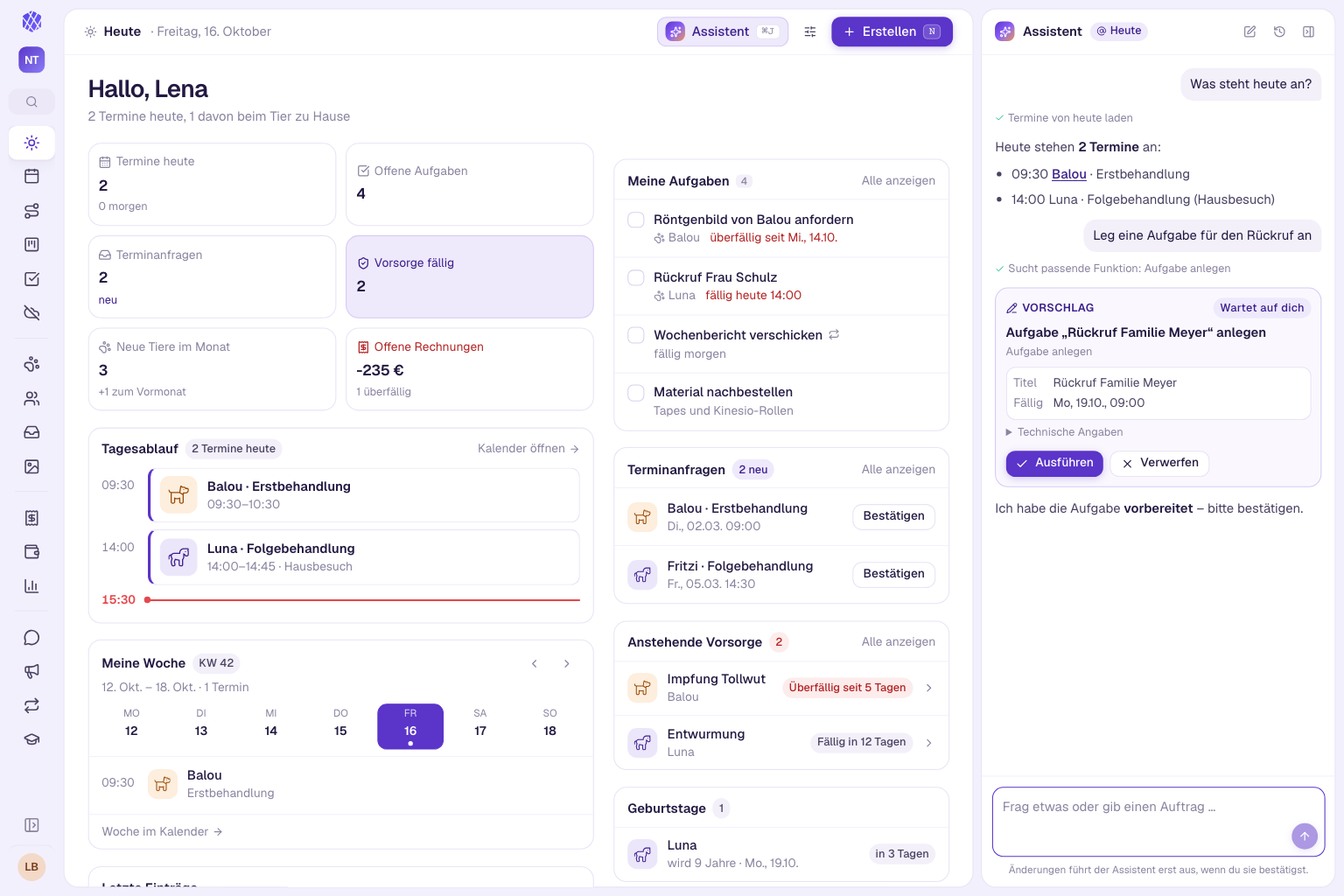
- Assistant with ⌘J – the AI assistant answers questions about your practice and prepares entries for you
Truly at home on phone and tablet
The new app is not just a shrunken desktop view. On your phone there is a tab bar at the bottom with Today, Calendar, Animals and the “+” for new entries. Dialogs open as a sheet from the bottom, lists turn into cards, and the most important action sits right under your thumb – in a patient record, for example, New entry.
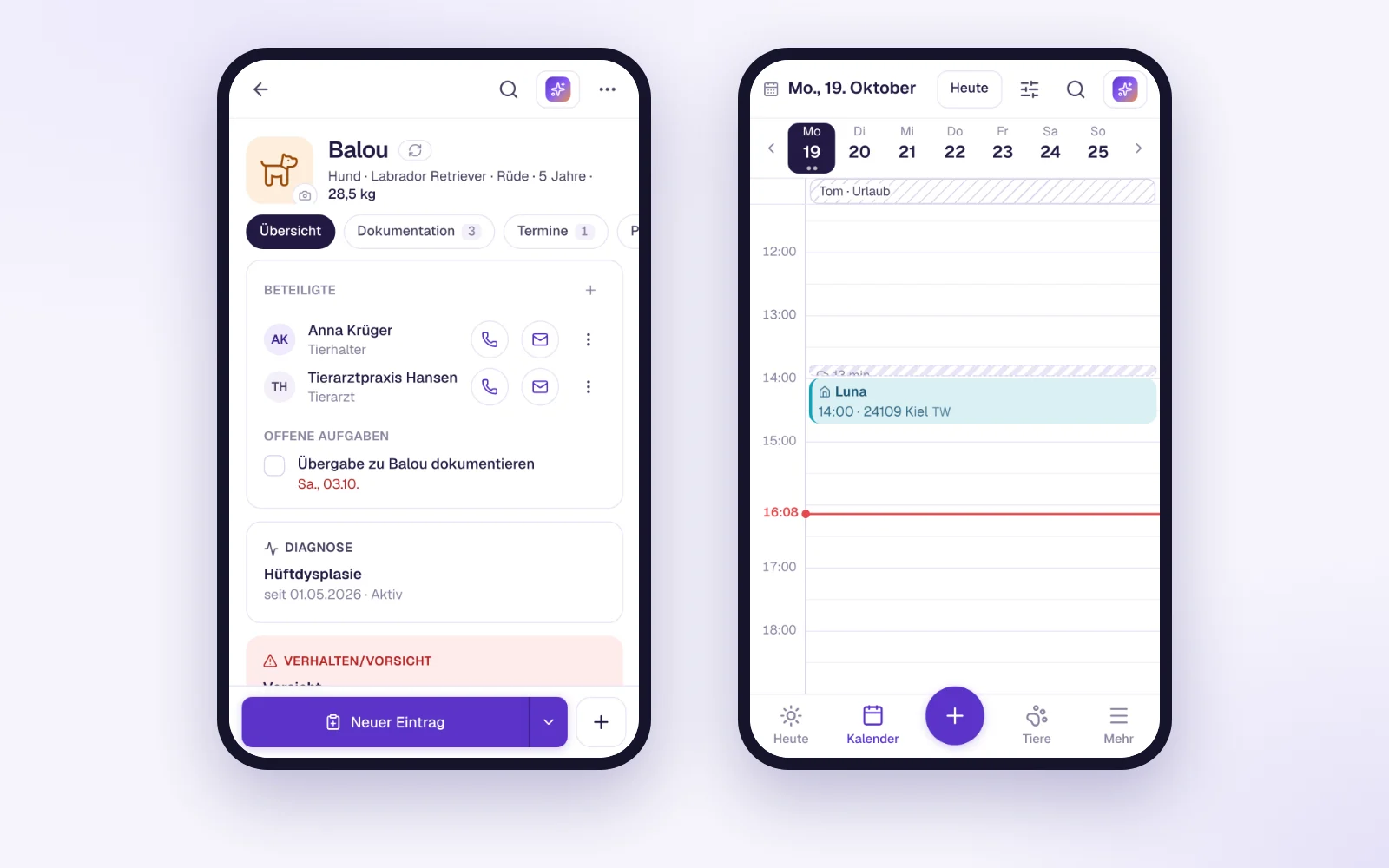
You can add the app to your home screen, and it then starts like an installed app. And if there is no signal in the barn, you keep working in offline mode: entries are saved on the device and synced as soon as you are back online.
Only in the new app
Since the beta started, several features have already been added exclusively to the new app, for example:
- the AI assistant, which knows your practice data and only carries out tasks after you confirm them
- the import wizard for contacts and animals from Excel or CSV
- entering absences directly in the calendar by dragging across several days
- a save status on every entry, so no text gets lost when you leave
More on this in the October 2026 product update.
How to try it
- Open web.theratap.de in your browser – on your computer, tablet or phone.
- Sign in with your usual email address and password.
- Done. Your practice, your appointments and your records are already there.
In the current version you will find the entry “New web app (beta)” in the navigation on the left and in the user menu. It opens the same page directly in the new app – from the calendar you land in the new calendar, from a patient record in the same patient record.
Beta means: we are listening
The new app is ready for everyday practice. Many improvements in the October update come straight from the feedback of the first weeks. If something is missing or does not work as expected, write to us via Help & feedback in the user menu. Every message reaches our team.
Both versions run side by side until the end of 2026. We will get in touch with you again well before the switch.