Invite your clients to the MeinTier app and decide for each finding and exercise plan what they see
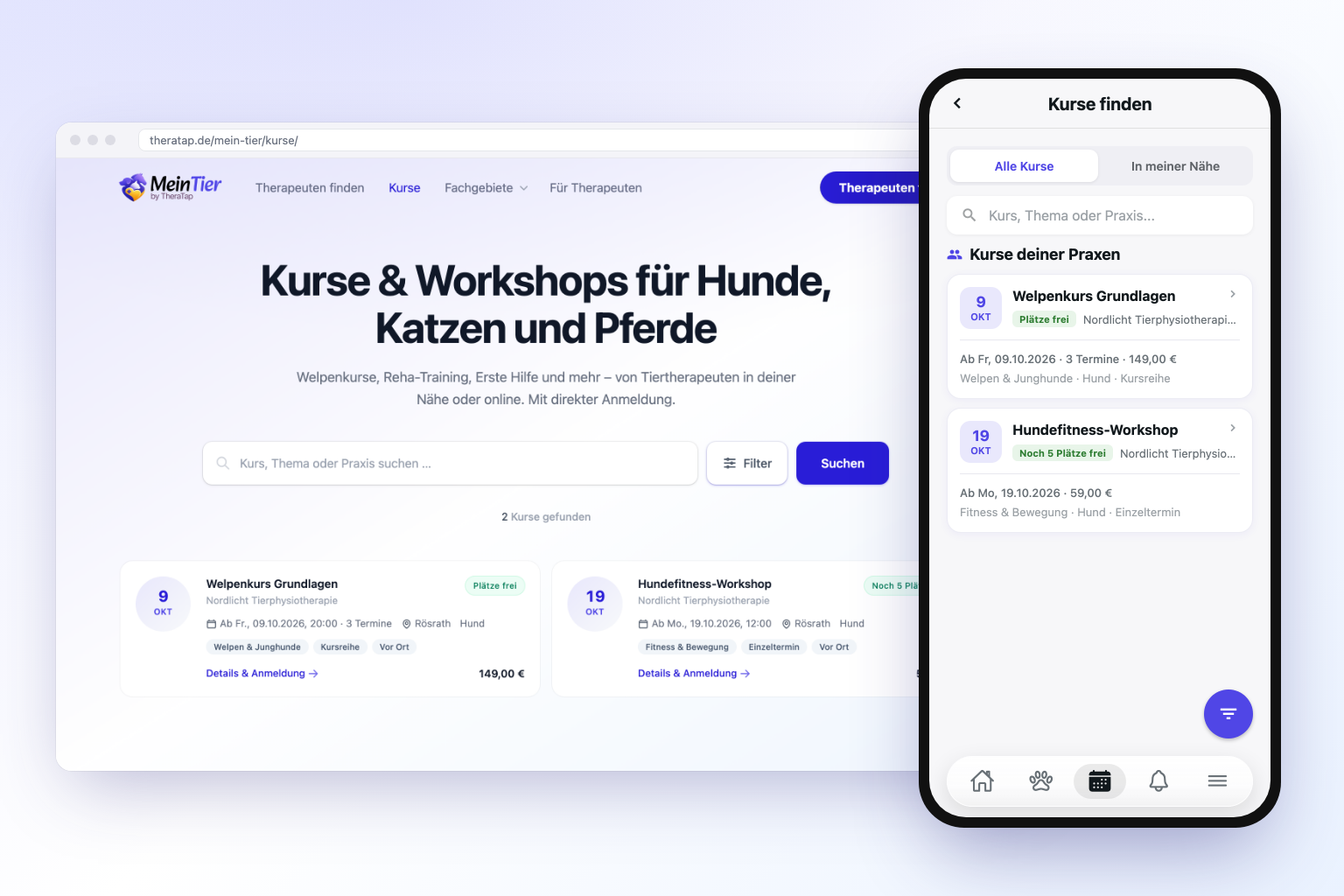
MeinTier is the free app for your clients: appointments, findings, exercise plans and the vaccination record of their animal always at hand, directly connected to your practice. Until now we only switched MeinTier on for selected practices. From today, MeinTier is active in every TheraTap practice – at no extra cost and without any setup.
Inviting your clients
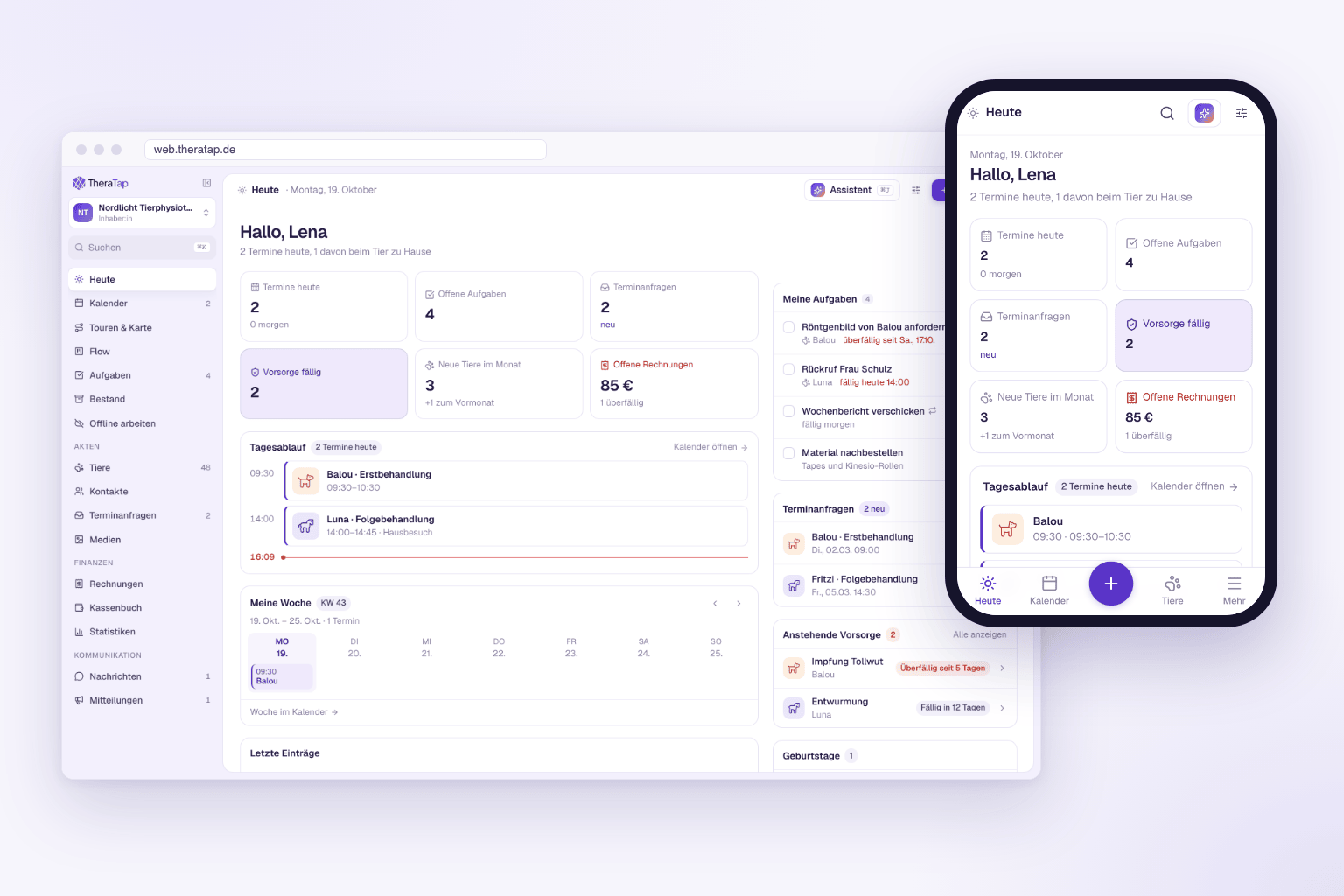
On the start page of the web app, the MeinTier tile shows how many of your clients already have an account – for example “12 of 140”. With Invite you pick the contacts who are still missing and send them an invitation by email. You’ll find the same under Settings → Integrations.
- All at once – the list only shows contacts with an email address and without an account.
- Each address only once – if several contacts share an address, only one email goes out.
- Only owners and admins can invite. Your team sees the numbers but can’t email all your clients.
Once your client registers in MeinTier with the same email address and confirms it, TheraTap links her account to her animals in your practice automatically.
You decide what is shared
What appears in MeinTier is up to you:
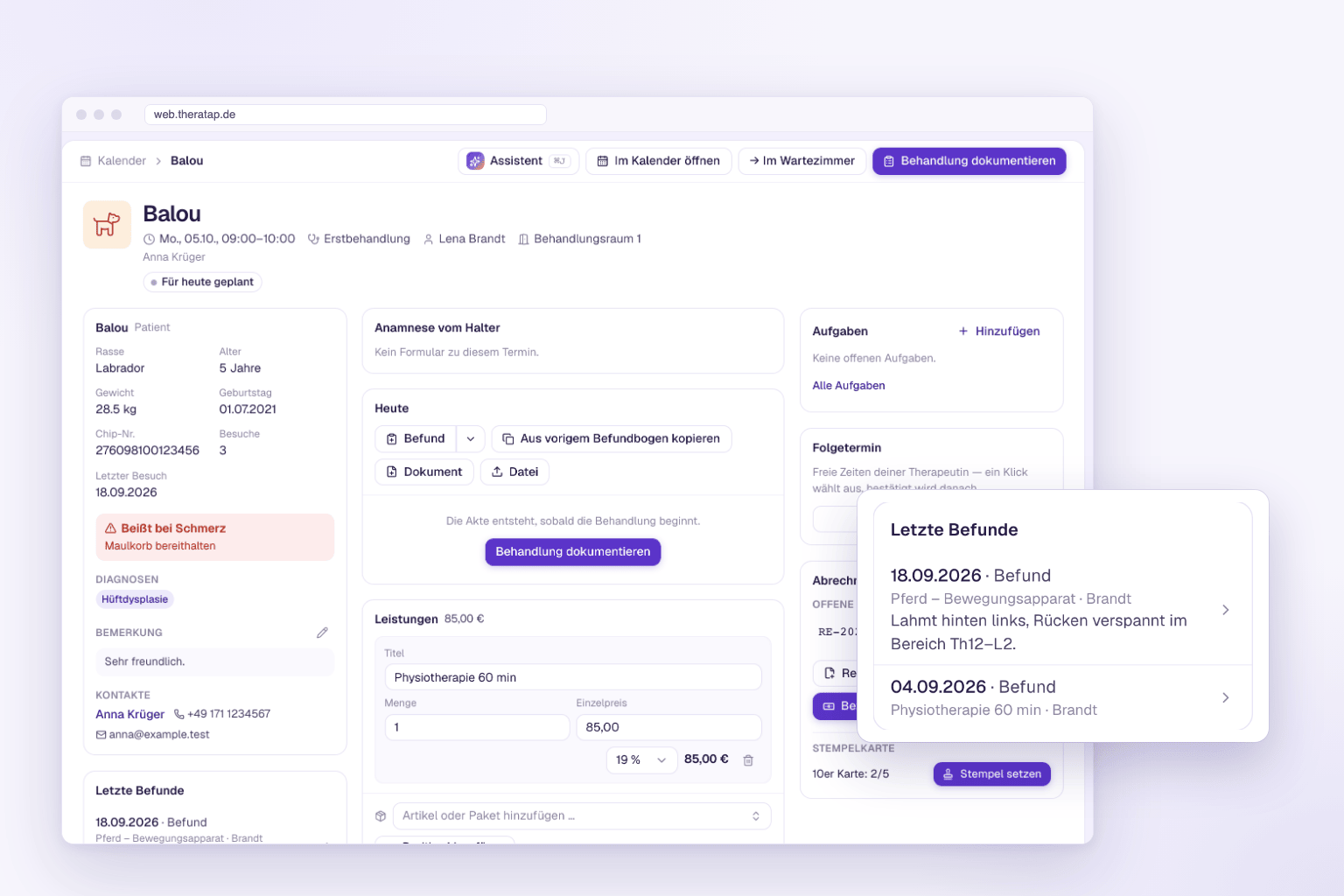
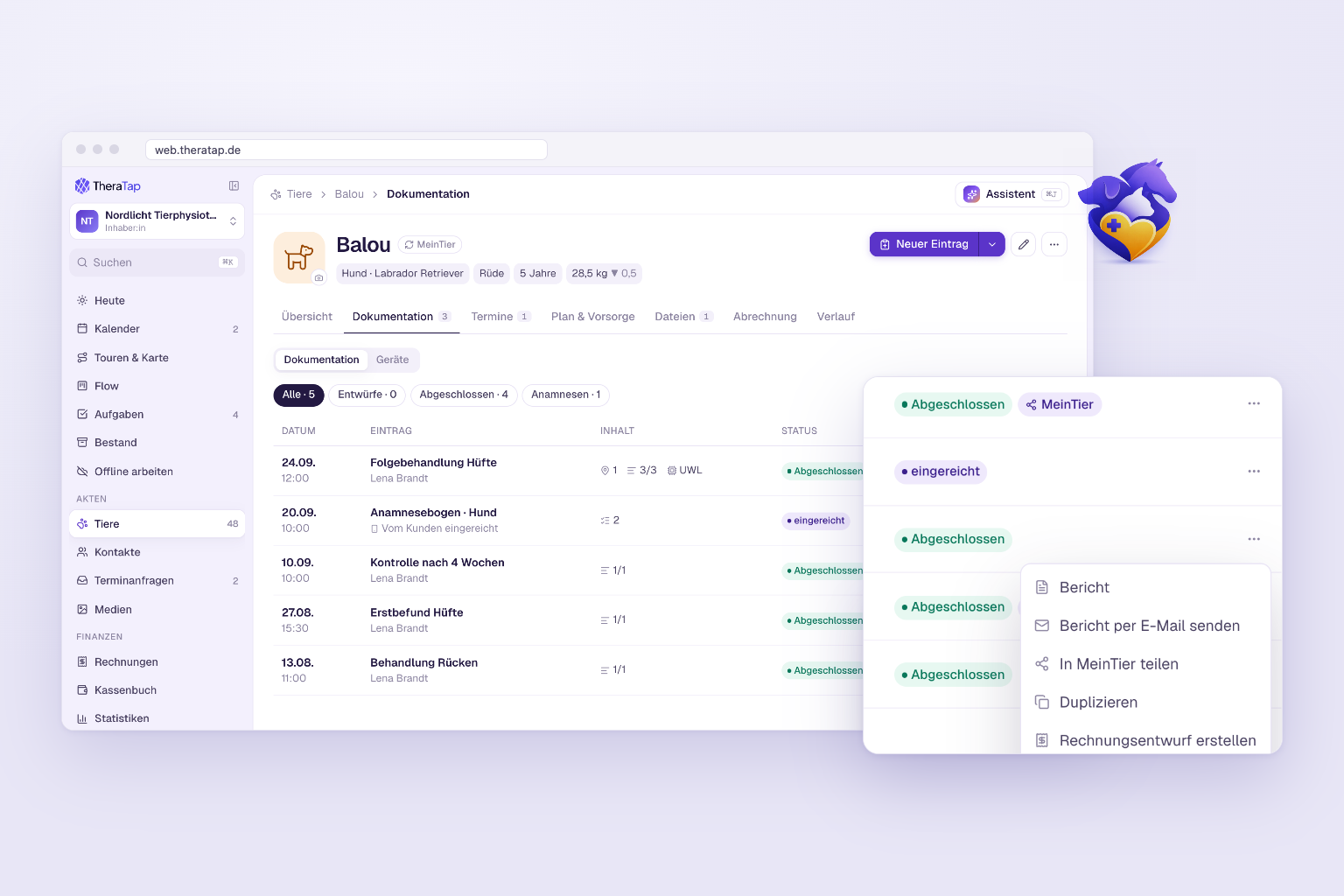
- Findings – in the patient record under Documentation, in the ⋯ menu of the entry: Share in MeinTier. Shared entries carry the MeinTier badge. A finding becomes visible once it is completed.
- Exercise plans – in the ⋯ menu of the plan: Share with pet owner.
- Notes – only those you set to Public.
- Appointments – your client always sees upcoming appointments, private ones excepted.
For a shared finding your client sees the same as in the online report: only the sections visible in the report, and the body map images. Comments on findings, internal sections, photos and videos stay in your practice.
Used MeinTier before? Findings and exercise plans now only appear once you share them individually – please share the entries your clients should see once.
What your clients get
They have appointments, shared findings and exercise plans on their phone, can message you in the chat and record weight, pain or lameness of their animal – if they share it, it shows up in your patient record. With MeinTier Premium the AI assistant explains findings in plain language. Clients book Premium themselves; MeinTier costs your practice nothing.
Getting started
Open the web app, look at the MeinTier tile and invite your clients. Then share the first findings in the patient record. All steps are in the MeinTier guide.