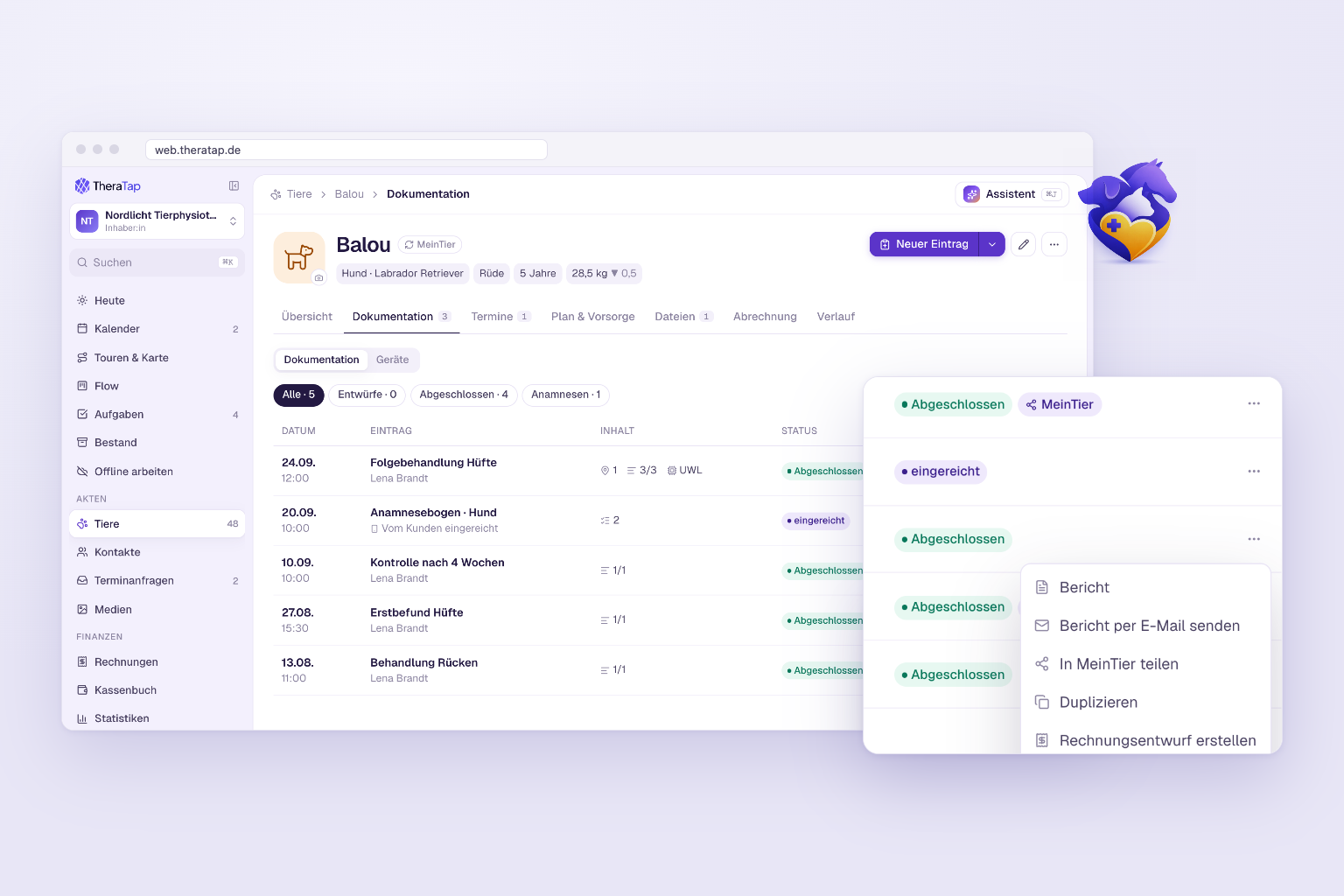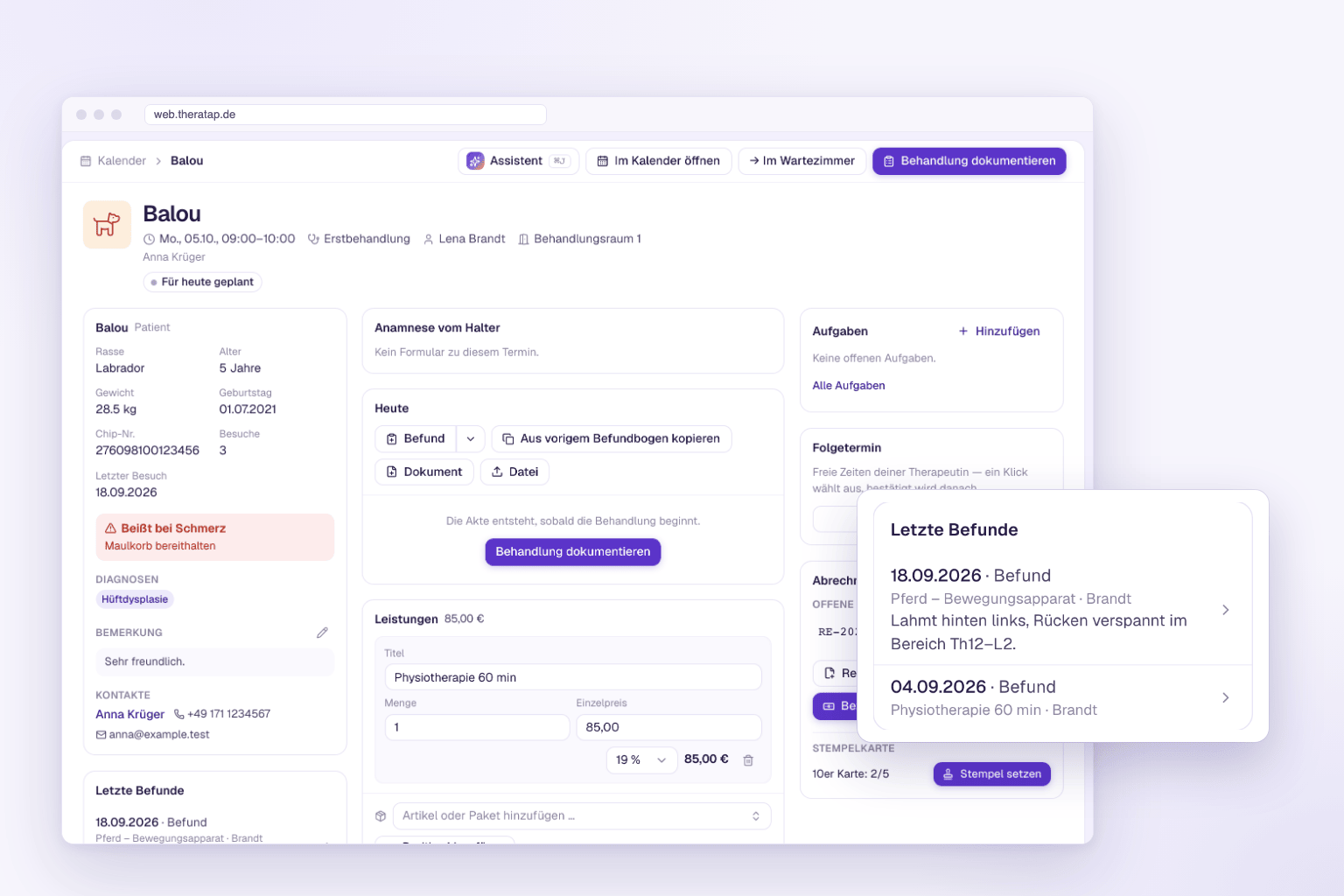
Turn treatments, appointments and notes into an invoice draft in one click
Writing invoices takes time – especially when you first have to go through all of an animal’s appointments, treatments and notes to know what to bill. The AI now does exactly that for you.
One click instead of tedious collecting
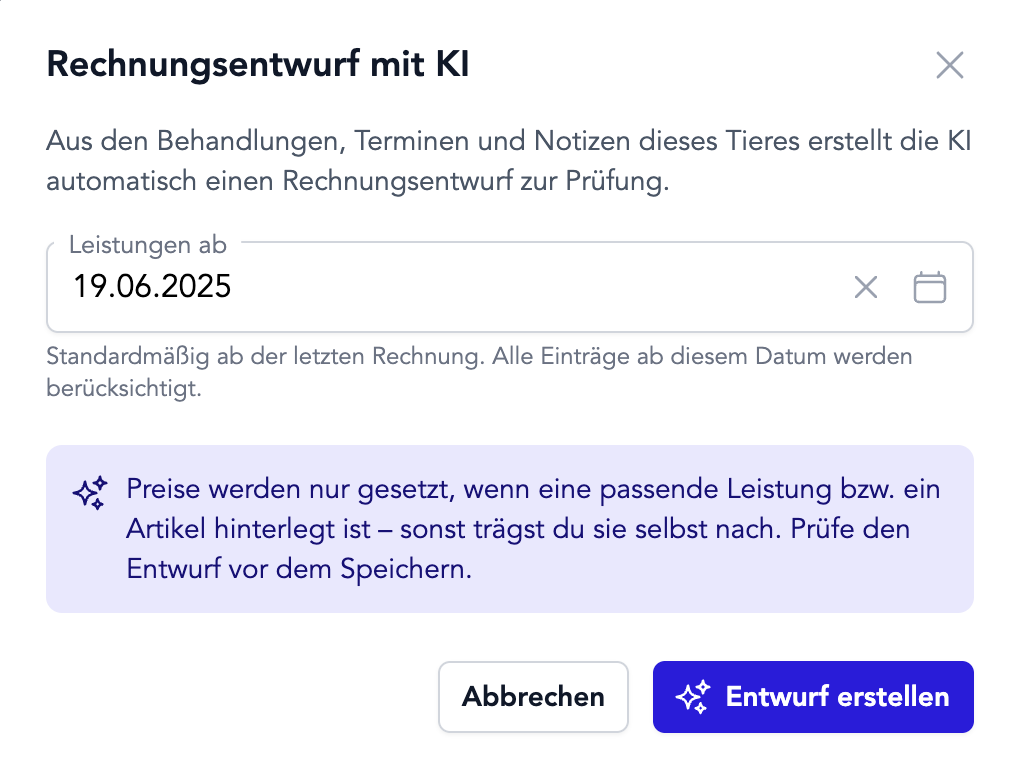
In the animal record, the Invoices tab now has a new Create with AI button. One click is enough: TheraTap scans all the relevant records for the animal and proposes ready-made line items.
You just choose the period – by default from your last invoice, or from any date you like. The AI then evaluates:
- Appointments with type, description and notes
- Treatments and findings with all documented sections
- Notes about the animal since the chosen date
Matching articles, correct prices
When the AI recognises a service you’ve saved as an article, it automatically applies the price, tax rate and unit. If there’s no matching article, the line item is inserted without a price – you fill in the amount yourself. This keeps your invoices consistent, and the AI never invents prices.
You stay in control
The result is always a draft. You review every line item, adjust what doesn’t fit, fill in missing amounts – and only finalise the invoice once everything is right.
AI invoicing is part of the AI module. Learn more in the guide Create an invoice with AI.